Question:
I want to know how many individual cells are in my cell map. How can I determine this without manually counting?Applies to:
- Cell Maps
- Unit Cells
Answer:
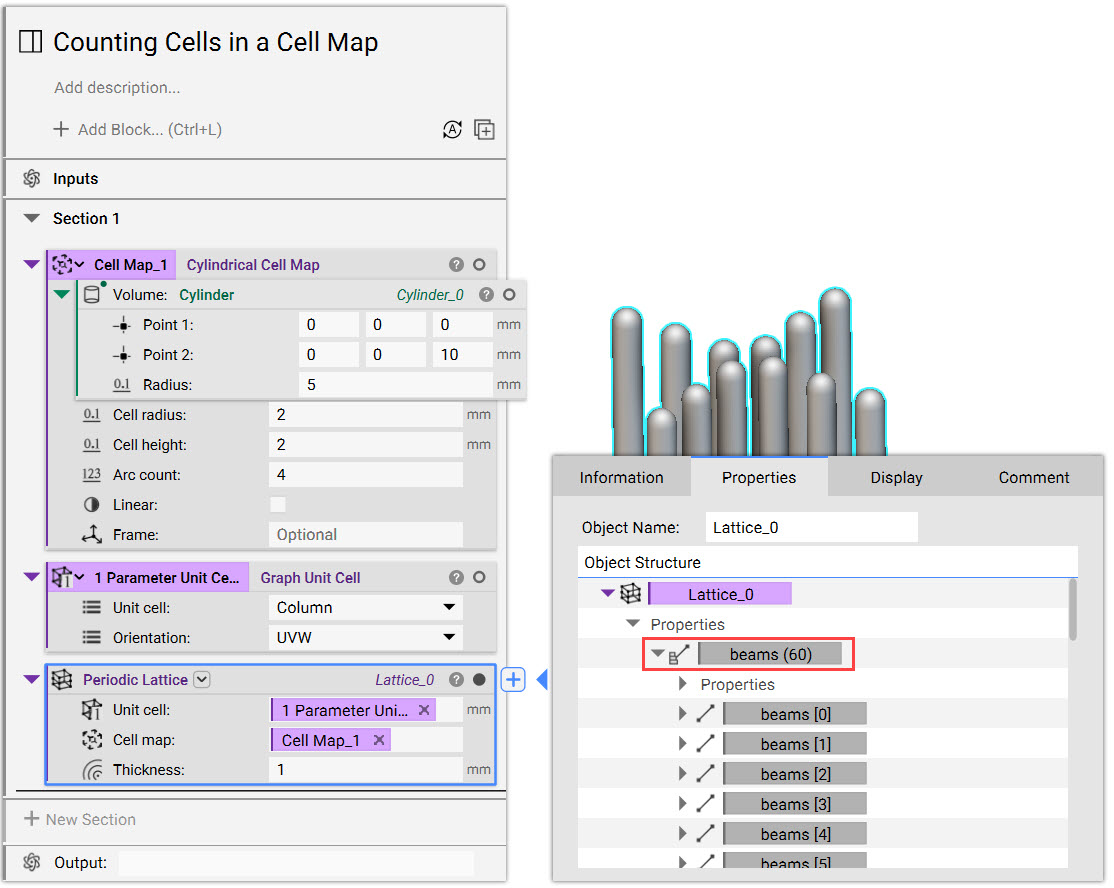
While there isn’t currently a built-in cell counter, this method is a simple workaround to determining the number of cells in a cell map.- Starting with any cell map, add a Periodic Lattice block and a Graph Unit Cell block to your workflow.
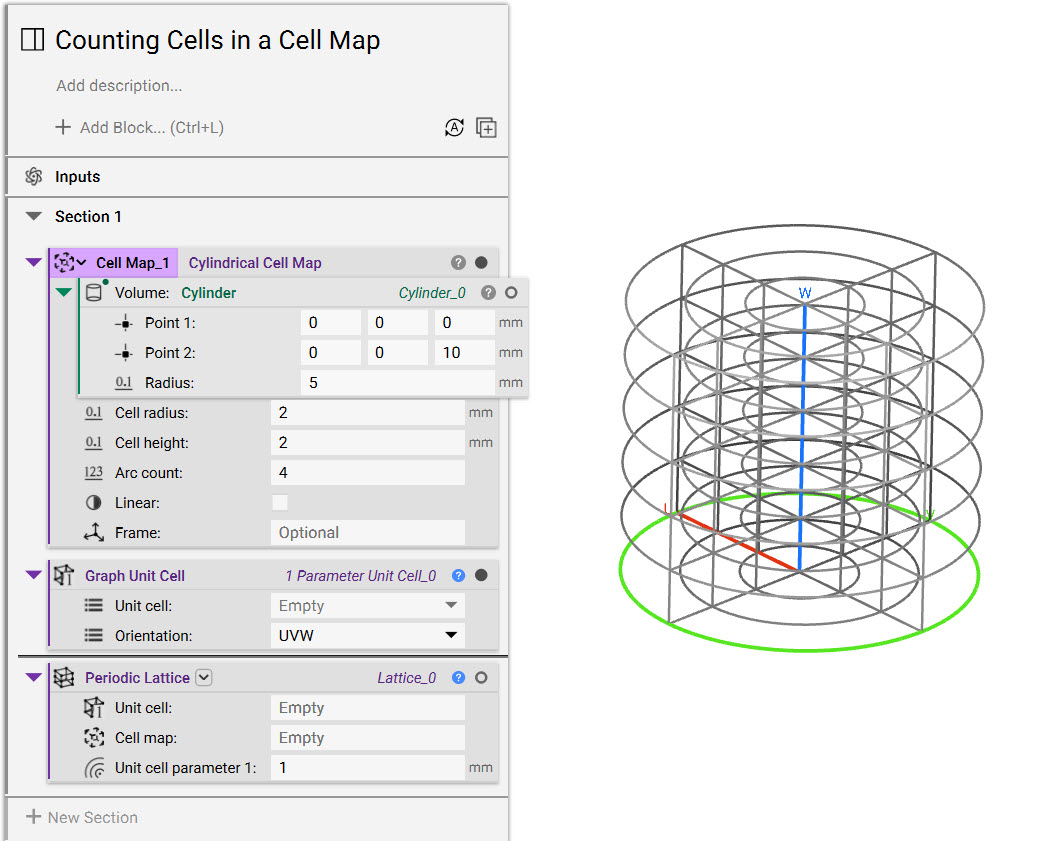
- Set the Unit cell type to “Column” and put both blocks into the Periodic Lattice block inputs. The thickness parameter is irrelevant for determining the count.
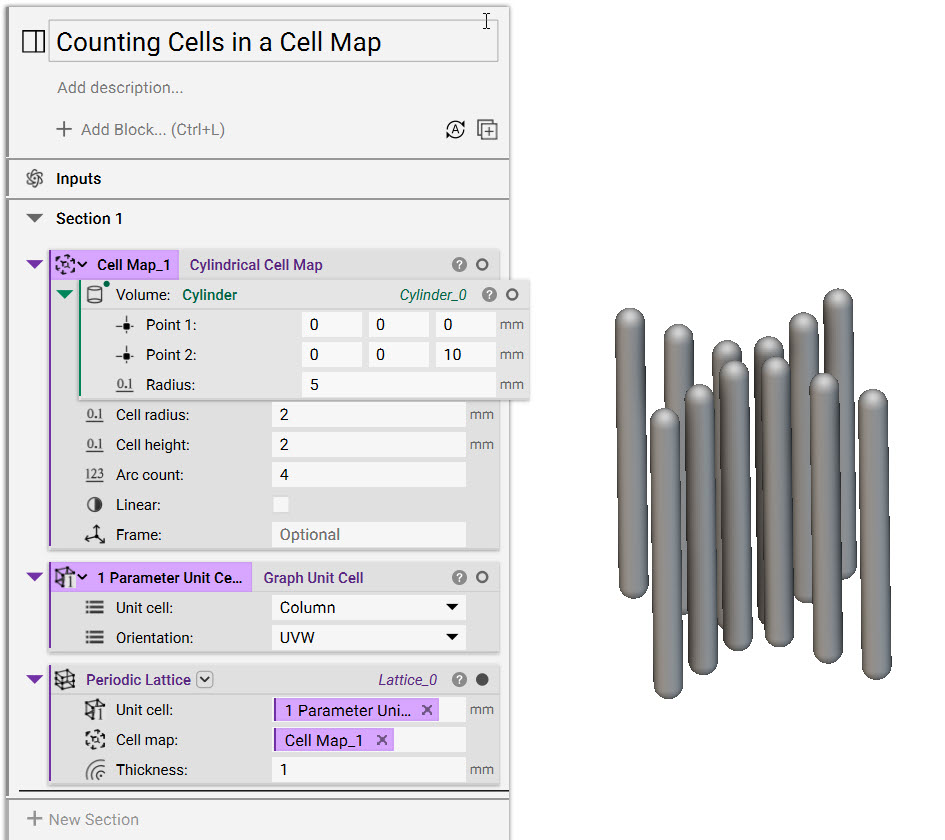
- Locate the Beams chip using the Periodic Lattice block’s properties panel. The amount of beams in the lattice is the number of cells in your cell map.