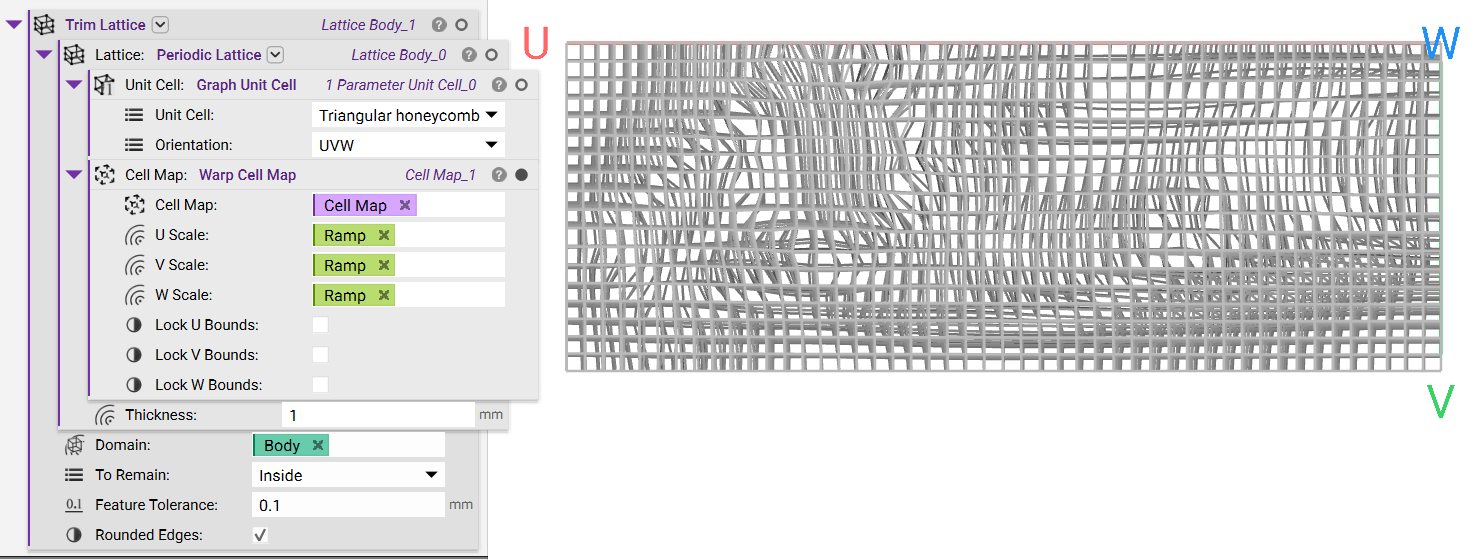
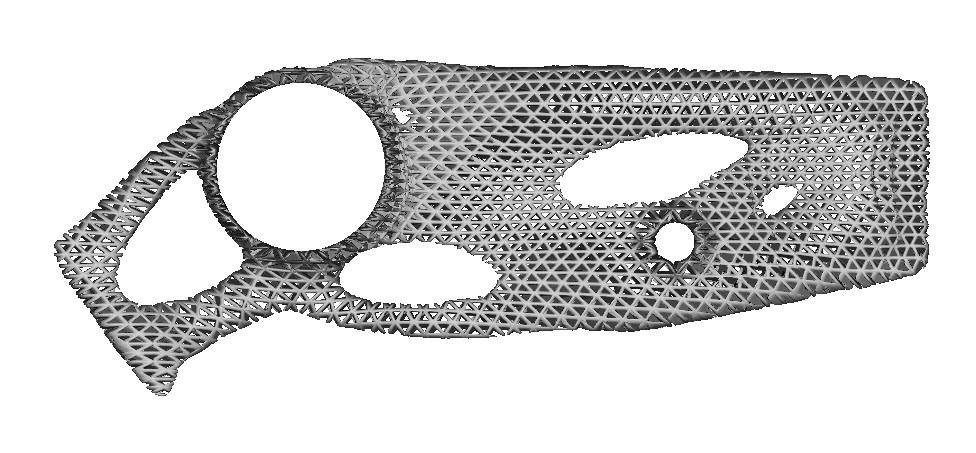
Objective:
Learn how to warp a Cell Map using a field.Applies to:
- Lattices
- Warp Cell Map
Procedure:
- Preparing the field to warp the cell map:
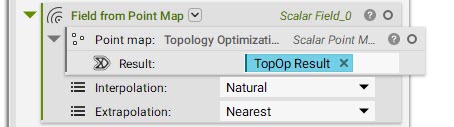
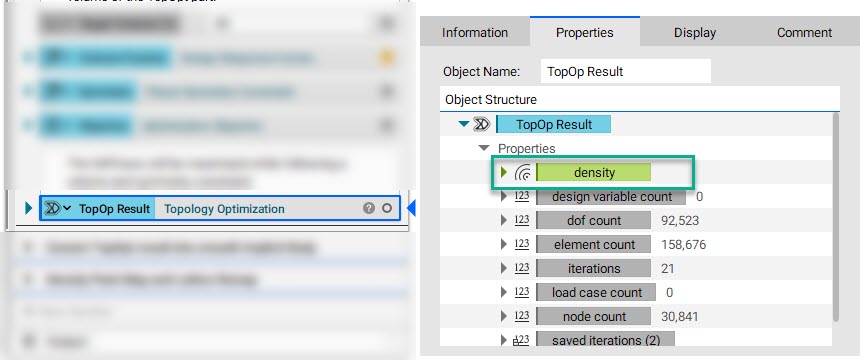
- Point Map: Topology Optimization Density Point Map
- Result: Topology Optimization
- Interpolation and Extrapolation (Interpolation and Extrapolation options for creating a Field from a Point Map)
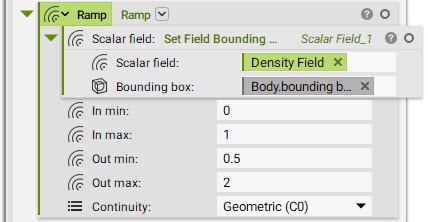
- Set up the Ramp: Add a Ramp block (How do I use the Ramp block?)
- Scalar field: Set Field Bounding Box
- Scalar field: Density Field
- Bounding box: Bounding Box of the Body created from Topology Optimization Result
- In min: 0
- In max: 1
- These values are set based on the field that is used as input and can be obtained on HUD.
- Out min: 0.5
- Out max: 2
- The values here are the scaling factors for the cell size.
- Contunuity: Geometric (C0)
- Create your base Cell Map: This is the cell map that we are warping.
- Add a Rectangular Cell Map block (in this example, we use the Rectangular Cell Map block, but you can use whichever cell map you prefer)
- Volume: In this example, we are trying to create a lattice structure using the topology optimized body. Add a Smoothen Body and Implicit Body from Topology Optimization.
- Cell size: 5,5,5
- Warp Cell Map:
- Cell Map: Base Cell Map
- Discretization: 100,100,100
- We choose a bigger number here for the grid size to increase the details that could be captured from sizing fields.
- U, V, W scale: Ramp