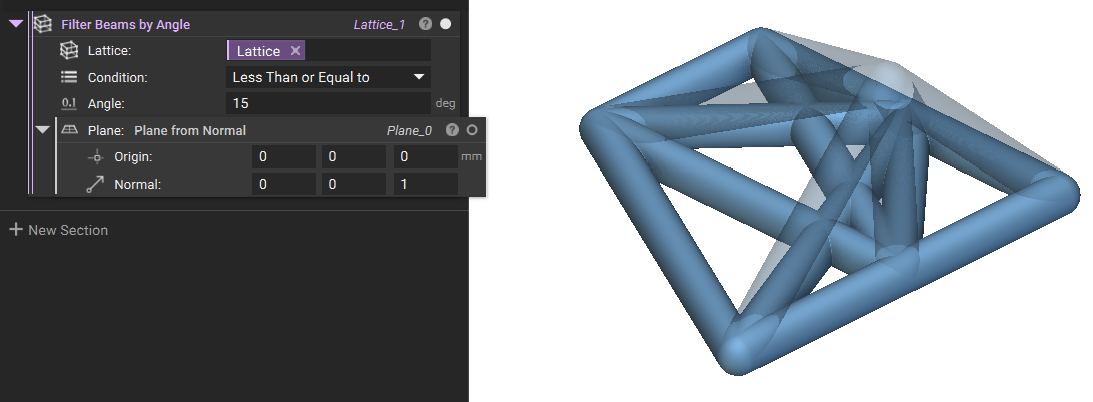
Issue:
I tried to create an Orthofoam lattice with all of my points on the same plane, but when the block runs, there is no visible result.Applies to:
- Lattices
- Orthofoam Lattice
Cause:
This occurs when you use planar points in an Orthofoam Lattice block. The block runs, but it builds a lattice with zero beams.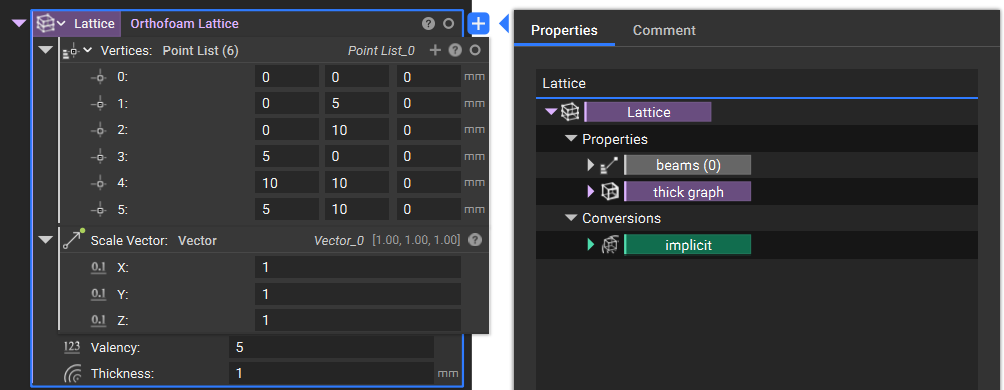
Solution:
Add in a Point that is off the plane of the other points to create an Orthofoam Lattice with more beams.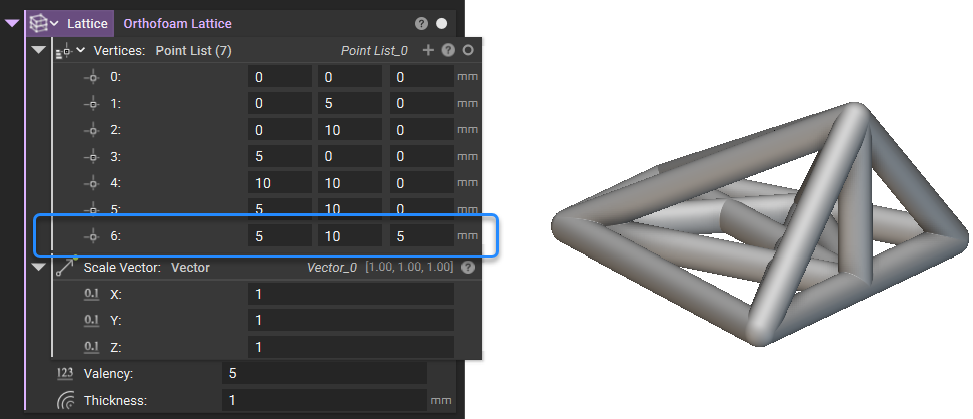 Once you have your lattice generated, you can use one of the Filtering options available to filter the beams that are built using the Points you need. In this example, we can use the Filter Beams by Angle and then use the Plane in which the rest of the points are.