Question:
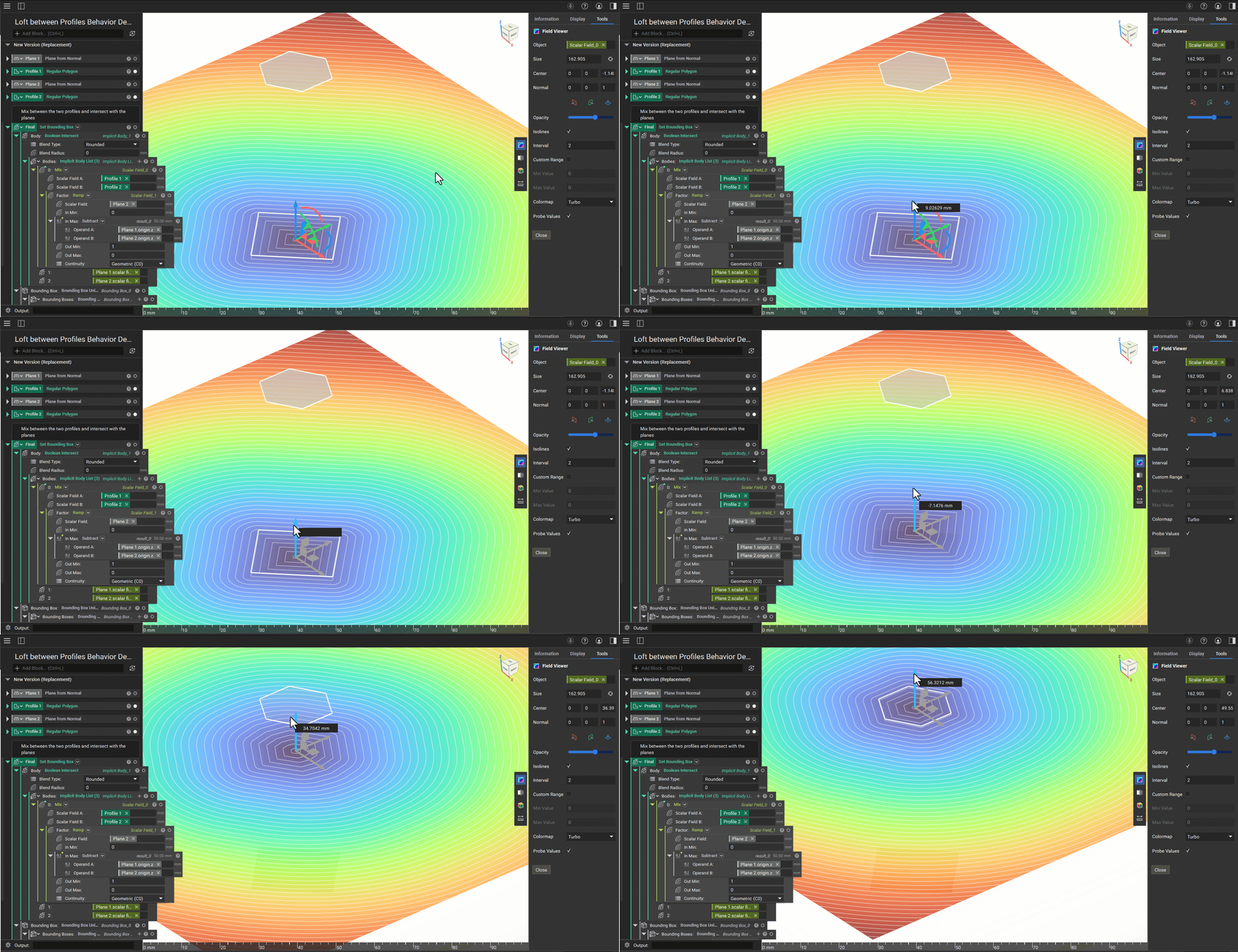
How do you loft between profiles? Why doesn’t my loft have a smooth transition? It isn’t lofting as I expected it to.Note:
Answer:
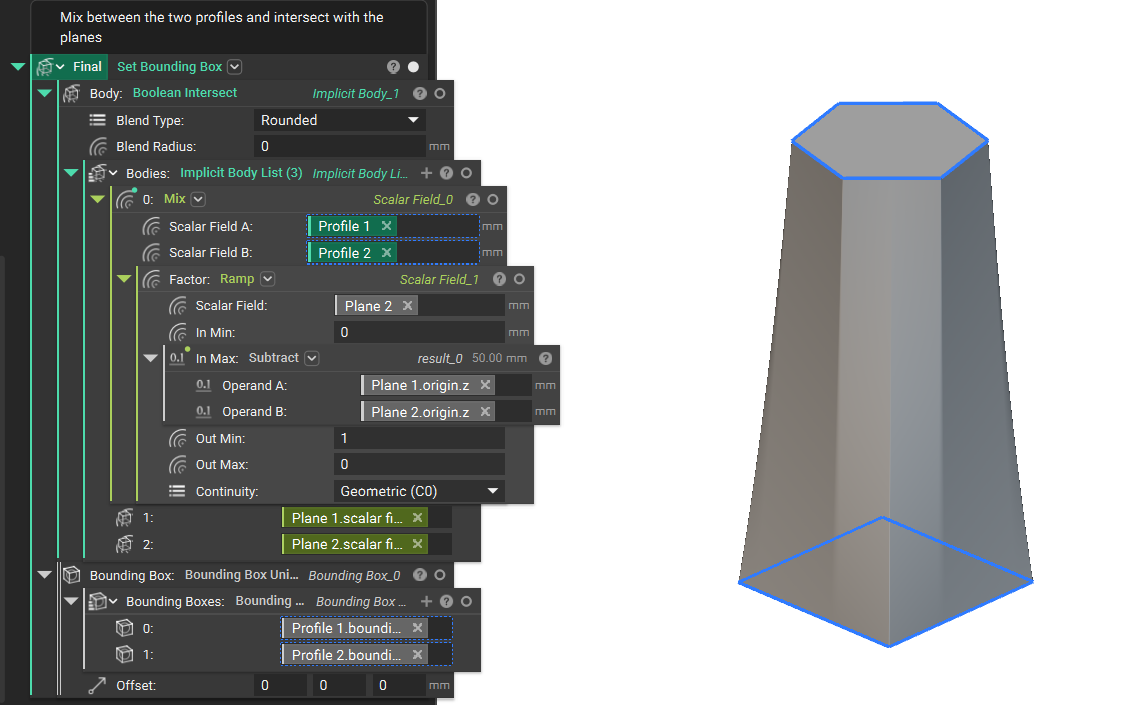
We recommend you use the Mix block to loft between two profiles and intersect it with two planes in which the Profiles are located. A Profile is a set of coplanar curves. It has two field properties: the first is the Signed Distance field to the infinite extrusion relative to the profile’s plane and the second is the unsigned distance field to the enclosed region.