

Objective:
If you are new to nTop or looking to solidify the basics, this article is the place to start. Follow along to go through a series of recommended articles and tutorials to get up and running at your own pace. Select the heading to jump to that section if you want to skip ahead.Set-Up
Basics
Meshing
Lattices
Field-Driven Design
Automation
Simulation
Topology Optimization
Texturing
1. Get set up and download the program
Before downloading nTop take a look at the System Requirements to make sure your machine can run the program. Read this tutorial (Getting Started with nTop) to learn how to set up your nTop account, download the latest release of the program, and install the software. If you are having issues with this step, check out the Account Guide and theAccount Troubleshooting Guide. If problems persist, submit a Support Ticket using the Contact Support button, and our Product Support Team will help you get it sorted out.Quick Resources:
2. Learn the Basics
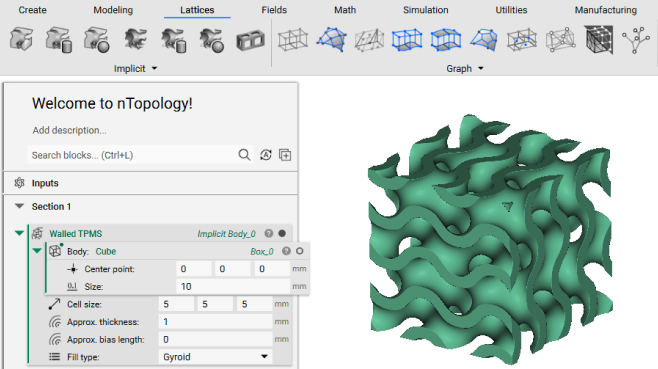 nTop Essentials is the first available course in a learning series designed to teach users the fundamentals of nTop. This first lesson covers the basics including:
-
-
- Defining Implicit Modeling and Field Driven Design
-
- nTop User Interface
- Controls and Keyboard Shortcuts
- Notebook and Blocks
- Basic Operations
Quick Resources:
3. Learn how to Mesh
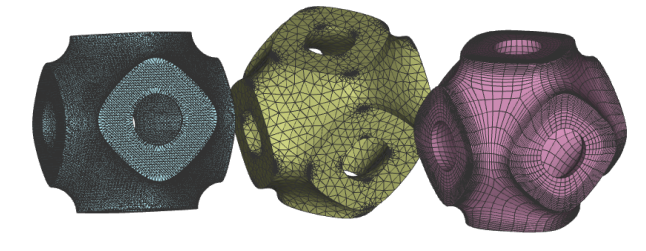 Guide to Meshing is the next course in the learning series. Meshing is an essential step in just about every workflow, so it’s important to learn both basic and advanced meshing capabilities. This course covers:
-
-
- Meshing Properties and Terminology
-
- Converting CAD bodies to Mesh
- Exporting Mesh
- Refining/Cleaning Meshes
- FE and Volume Meshes
- Selecting Sections of Meshes
Quick Resources:
4. Introduction to Lattices
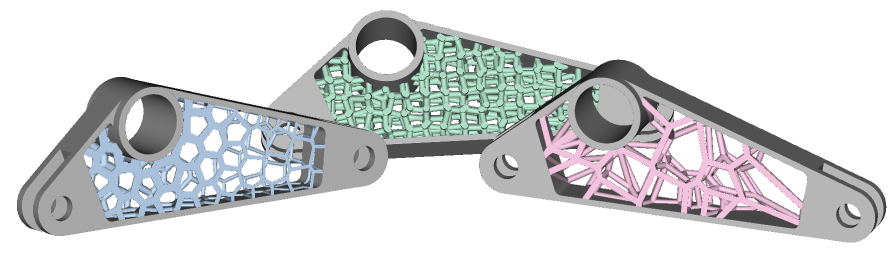 nTop’s lattice features are another key aspect of the software. Intro to Lattices gives a thorough insight into:
-
-
- Lattice Properties and Terminology
-
- Periodic Latticing
- Unit Cells and Cell Maps
- Non-Periodic Latticing
Quick Resources:
- How to create a periodic lattice
- How to warp a cell map using fields
- How to convert CAD sketches into lattices
5. Introduction to Field Driven Design
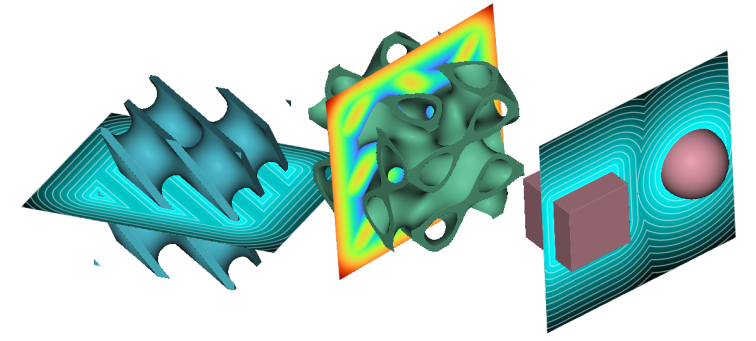 Field Driven Design is a powerful method for creating complex part designs by overlaying fields. Our course, Intro to Field Driven Design, teaches you how to use fields to get the most out of your designs. This lesson covers:
-
-
- What are Fields
-
- Different Types of Fields
- Creating Fields
- How to Apply Fields to Designs
Quick Resources:
- How to create a quadratic ramp
- Introduction to the Remap Field block
- How to use remap field to scale or translate an object
6. Introduction to Automation
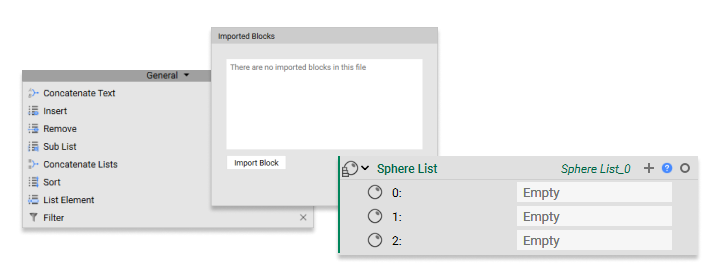 Custom blocks allow users to create repeatable workflows to use across multiple designs. Intro to Automation teaches how to create/use custom blocks to save time and effort. Using lists also helps create a more efficient workflow. Lists allow you to input multiple items in place of a singular item. Topics covered in this course include:
-
-
- Overview of Automation and Custom Blocks
-
- Creating Inputs and Outputs
- Importing Custom Blocks
- Creating Lists
- List Processing
Quick Resources:
- How to work with lists
- How to create multiple lattice designs using lists
- How to filter and sort lists
- nTop Command Line (nTopCL)
7. Simulation
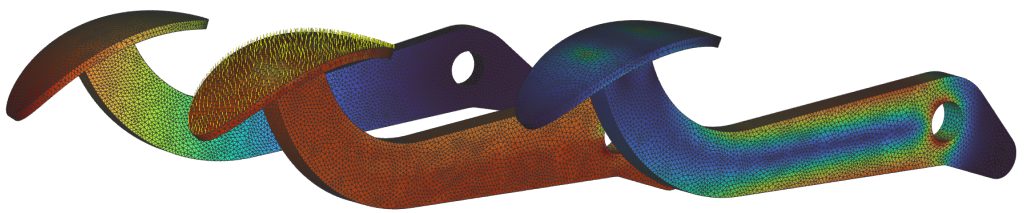 Dive into simulation with the Intro to Simulation course. nTop has powerful simulation tools for analyzing the effects of forces on designs. Whether importing simulation results or using nTop to create them, these tools will allow you to gather valuable information about your designs. Some key topics of this course are:
-
-
- FE Components
-
- FE Models
- Boundary Conditions
- Forces
- Static Analysis
- Modal and Buckling Analysis
- Importing and Exporting Simulation Data
Quick Resources:
- What are the options for simulating lattices?
- How to create an FE Model with multiple materials
- How to find the maximum and minimum stress values
- How to use simulation results to create a Point Map or Field
8. Topology Optimization
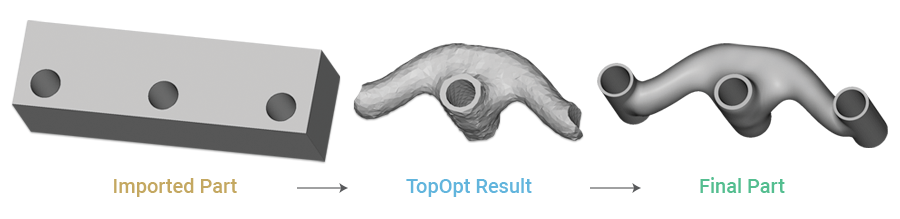 Topology Optimization (TopOpt) is a numerical design operation that determines the optimal shape of a part based on a set of objectives and constraints. TopOpt allows the user to design geometries that best achieve the desired objective while considering complex and multivariate design constraints. Learn how to run a TopOpt in this course Topology Optimization
Quick Resources:
- Understanding the Topology Optimization settings
- How to use the overhang constraint in Topology Optimization
- How do I use geometric constraints?
9. Introduction to texturing
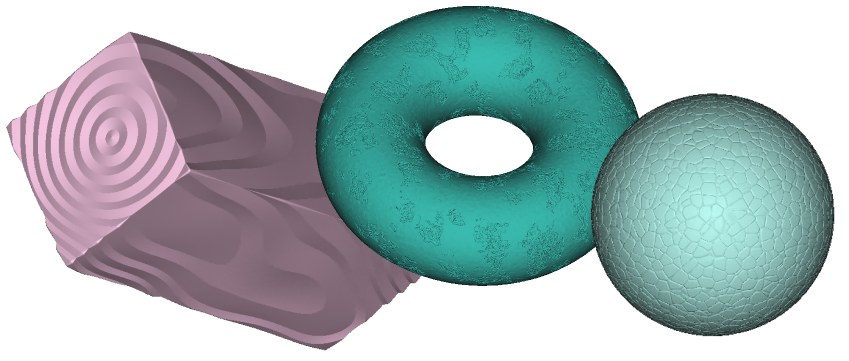 nTop has an unprecedented range of tools to produce unique, field-driven surface textures. Learn all about adding texture to your part with the following articles:
Quick Resources:
- How to generate random patterns on the surface of a part
- How to generate surface roughness with varying amplitude or frequency