Question:
What is the difference between the Offset Body block and the Thicken Body block?Answer:
When working with parts in nTop, sometimes you may need to increase or decrease the size of the part. There are two main options for doing this: Thicken Body and Offset Body.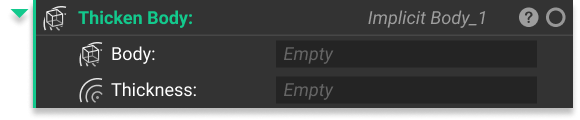 Thicken Body: Create a thickened hollow Implicit Body using an Implicit boundary as a mid-surface.
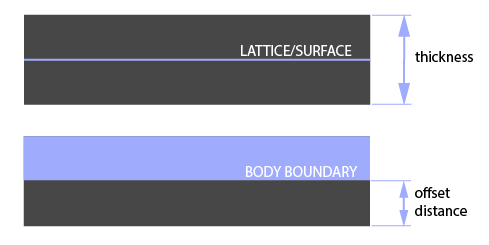
The Thicken Body block thickens the part in both directions, using the boundary of the body as the centerline of the thickness. Thicken Body is best to use for 1D or 2D parts, such as CAD surfaces or graph lattices. When thickening a lattice, the thickness value can be thought of as a diameter value.
Thicken Body: Create a thickened hollow Implicit Body using an Implicit boundary as a mid-surface.
The Thicken Body block thickens the part in both directions, using the boundary of the body as the centerline of the thickness. Thicken Body is best to use for 1D or 2D parts, such as CAD surfaces or graph lattices. When thickening a lattice, the thickness value can be thought of as a diameter value.
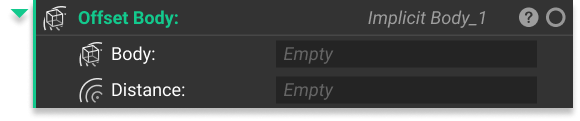 Offset Body: Offset the surface boundary of an Implicit Body inward or outward.
Offset Body works best for objects that already have a volume. It adjusts the surface boundary of the part. A positive value increases the surface boundary, while a negative value decreases it. When offsetting a lattice, the distance value can be thought of as a radius value.
Offset Body: Offset the surface boundary of an Implicit Body inward or outward.
Offset Body works best for objects that already have a volume. It adjusts the surface boundary of the part. A positive value increases the surface boundary, while a negative value decreases it. When offsetting a lattice, the distance value can be thought of as a radius value.