

Objective:
How to apply torsion load? How to use Point moment blockApplies to:
- Point Moment
Procedure:
- Prepare your model for Static Analysis. These articles have detailed instructions on How to create a Simulation Model and How to run a static analysis.
- Add a Point Moment block to the Boundary Condition List
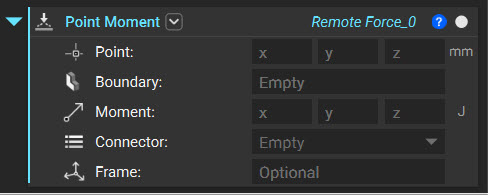 Learn how to select the Boundary input following these articles How to select boundaries of an FE Mesh - FE Boundary by Body, How to select boundaries of an FE Mesh - FE Boundary by Flood Fill, and How to use Boundary Conditions
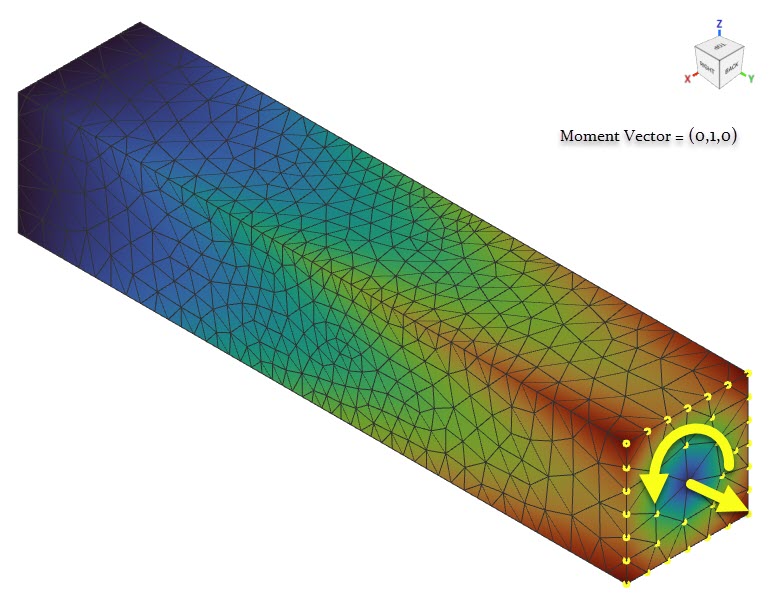
- The Moment is applied at the center of the selected nodes and in the direction defined in the Moment input. The moment follows the right-hand thumb rule when applied.
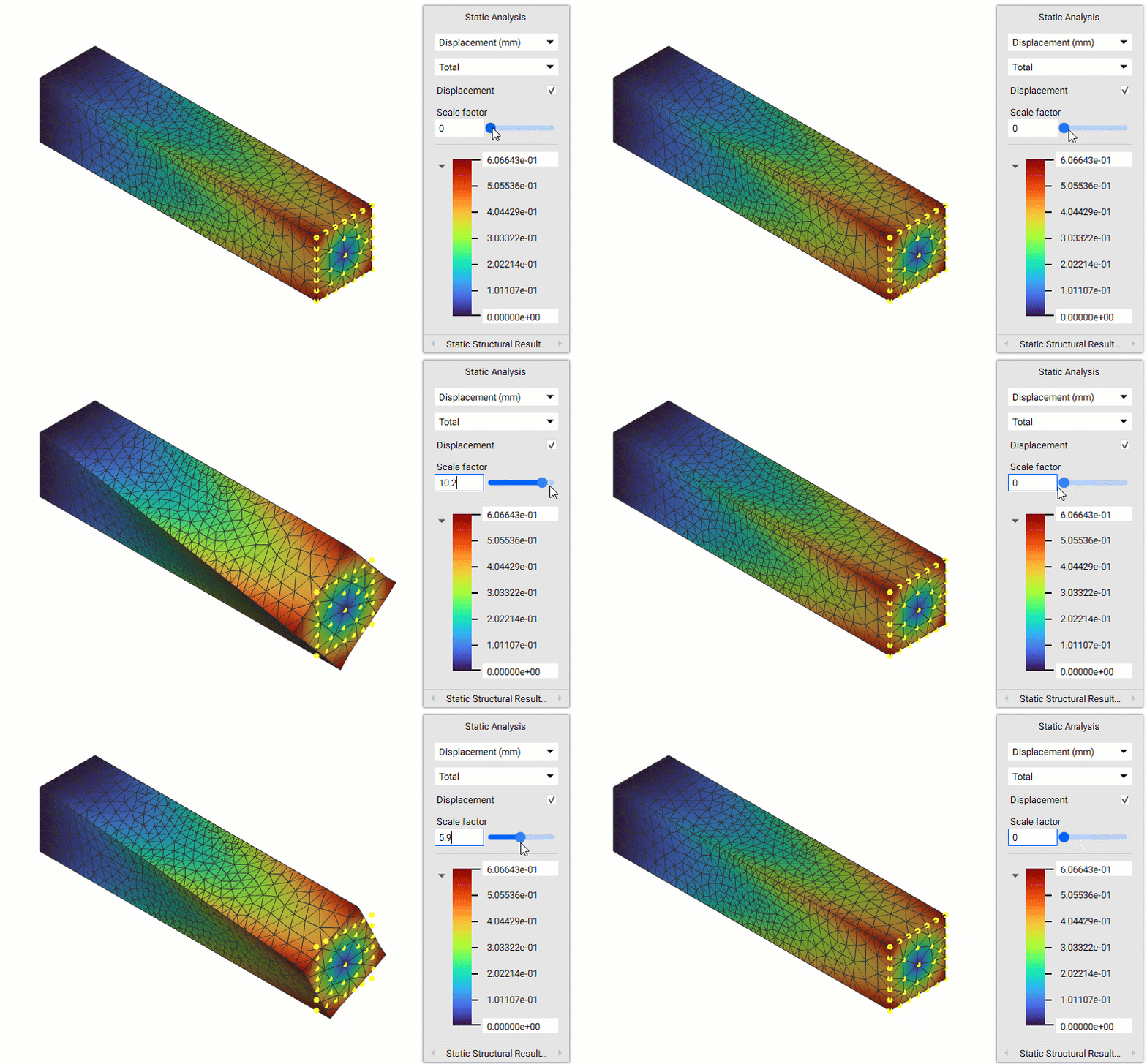 And that’s it! You’ve successfully applied torsional load.
Are you still having issues? Contact the support team, and we’ll be happy to help!
And that’s it! You’ve successfully applied torsional load.
Are you still having issues? Contact the support team, and we’ll be happy to help!