Objective:
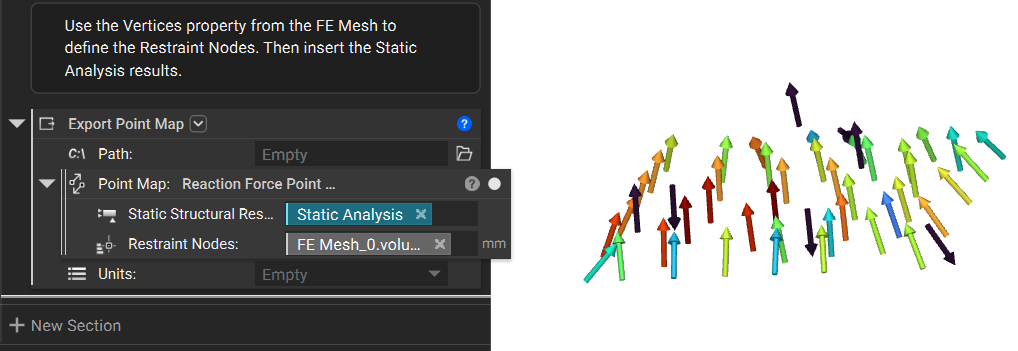
Using this custom block, learn how to export reaction forces from a simulation analysis.Applies to:
- Static Analysis
Solution:
This article uses a Custom Block to create our desired outcome. If you are new to using Custom Blocks, learn how to import, modify, and update them with the following resources:- Learning Center course:
- Intro to Automation
- Articles:
- How to update a Custom Block in an active notebook
- How to open up a Custom Block
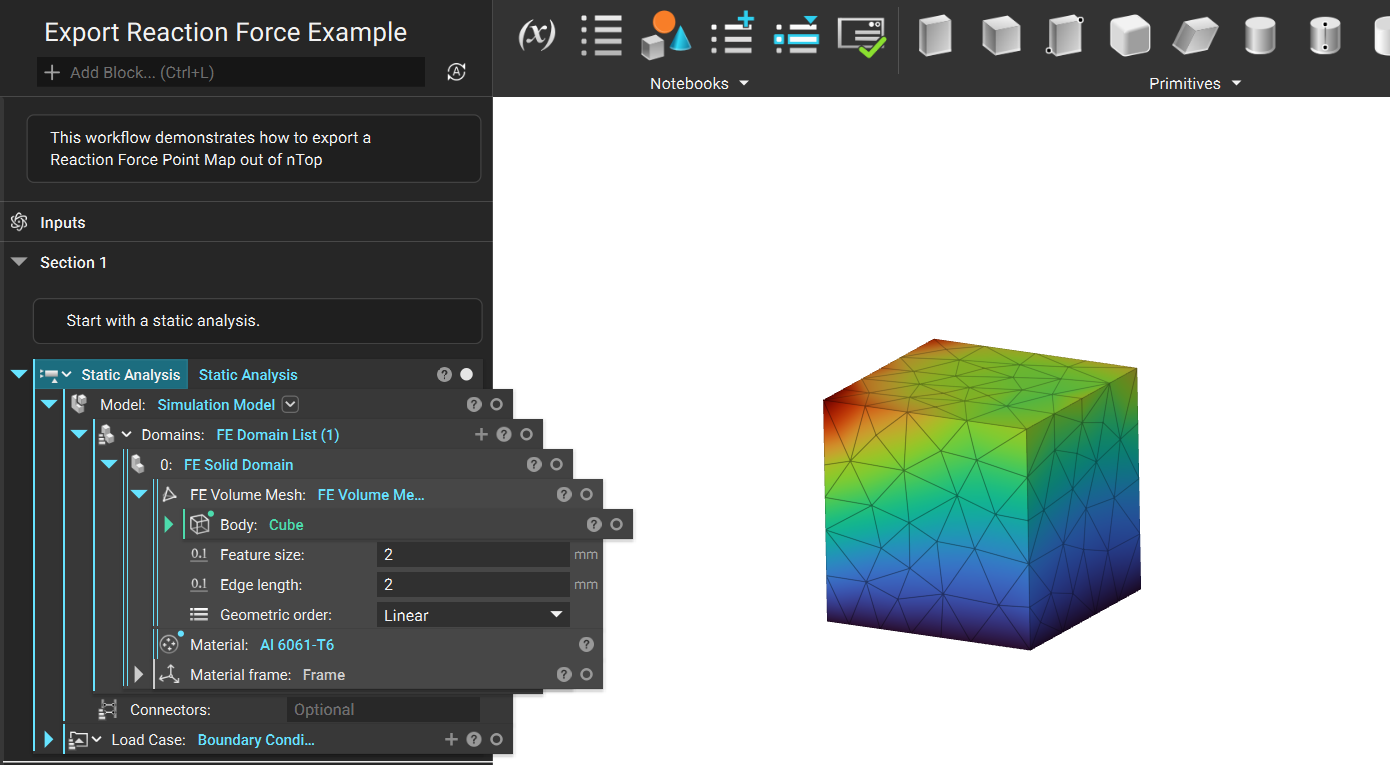
- This tutorial starts with an existing Simulation Model and Static Analysis. If you are unfamiliar with how these blocks work, please review the following articles for the Simulation Model and the Static Analysis.
- The next step is to define your reaction force points for the custom block. Open the properties of the FE Volume Mesh block and extract its vertices from the volume mesh.
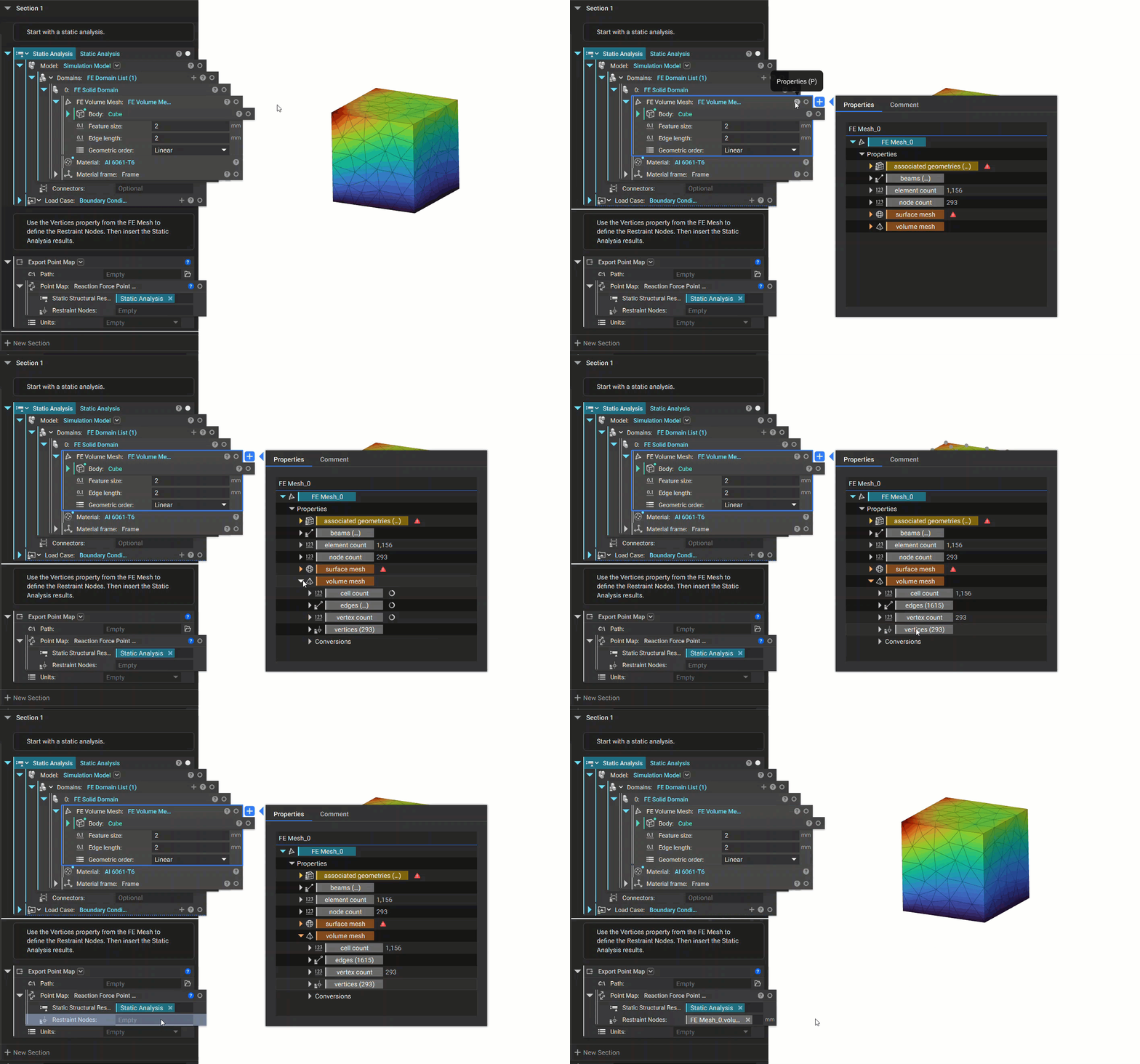
- The final step is to add an Export Point Map block to export your results.