

Objective:
Learn how to get a scalar field from a vector fieldApplies to:
- Design analysis, fields
Procedure:
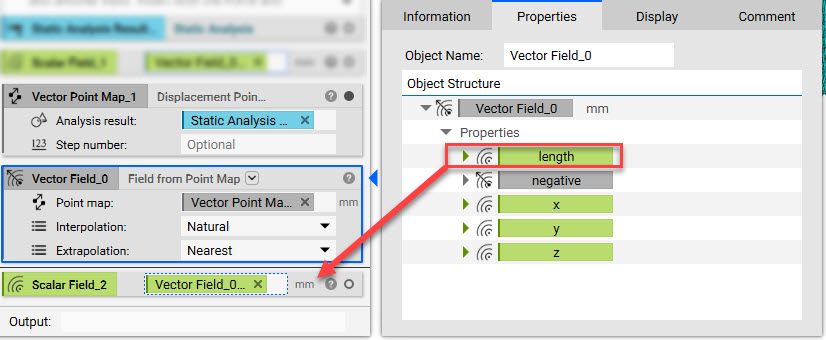
To turn the Vector field into a Scalar field:-
- Open up the Property of the Field from Point Map block
- Extract the Length Chip and input it into the Notebook (this is your scalar field)
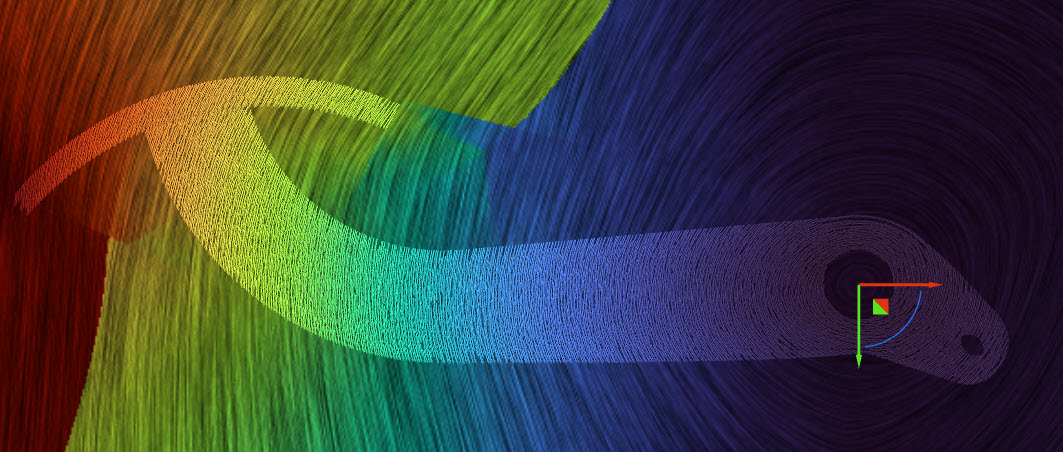
 Below is the image of the original Vector field:
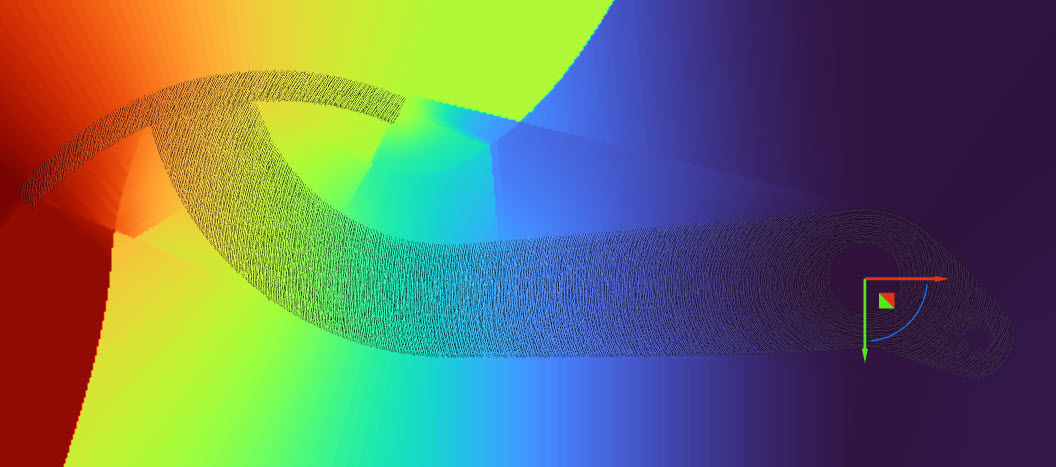
 Below is the image of the resulting Scalar field:
 And that’s it! You’ve successfully extracted a scalar field from a vector field.
Are you still having issues? Contact the support team, and we’ll be happy to help!
And that’s it! You’ve successfully extracted a scalar field from a vector field.
Are you still having issues? Contact the support team, and we’ll be happy to help!