Now that you have learned about ramping and field driven design in nTop, feel free to try this optional problem with a review of the answer in the following lesson.
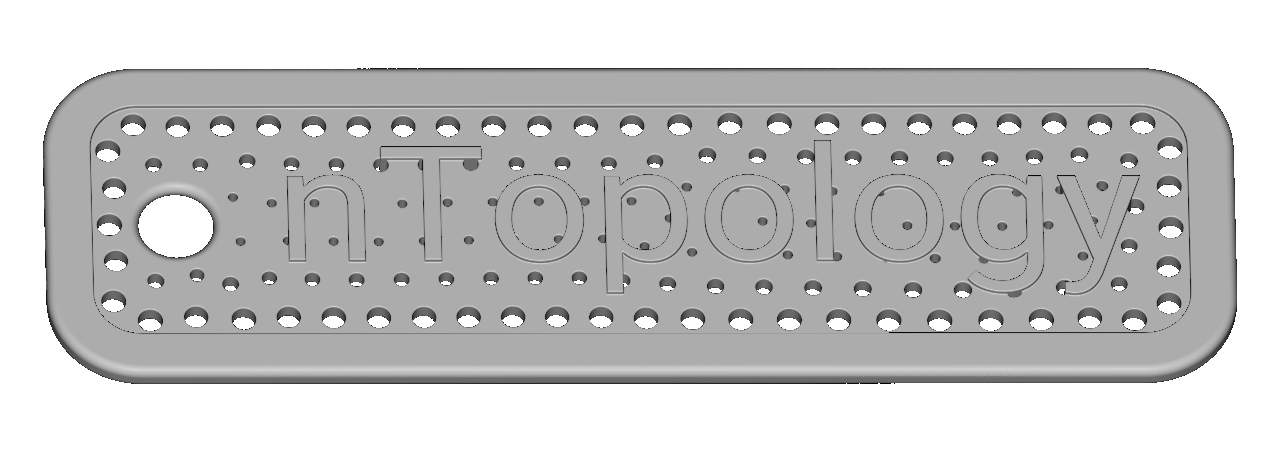
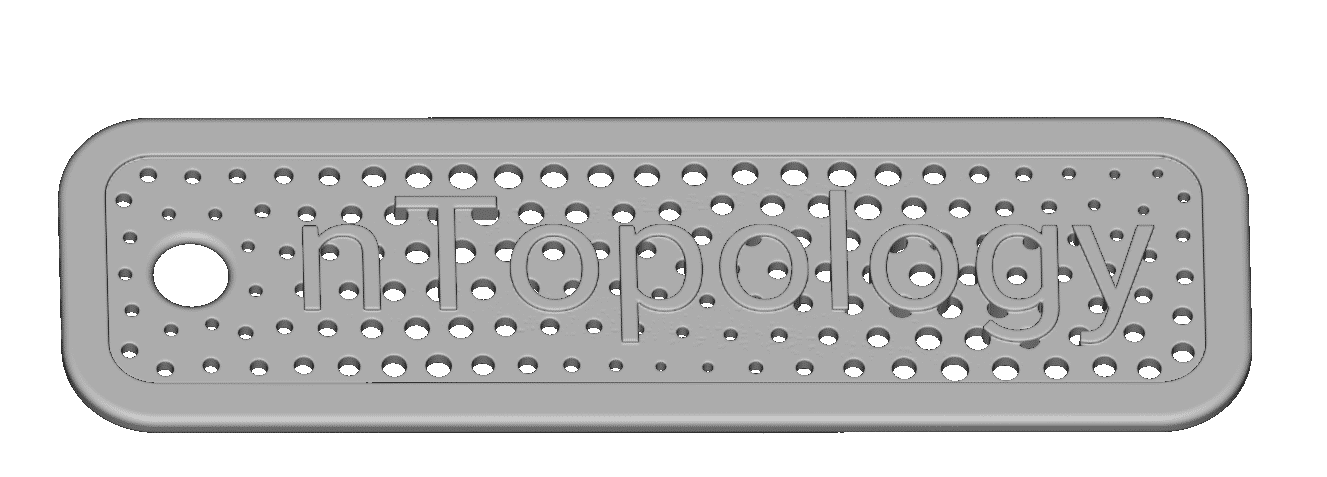
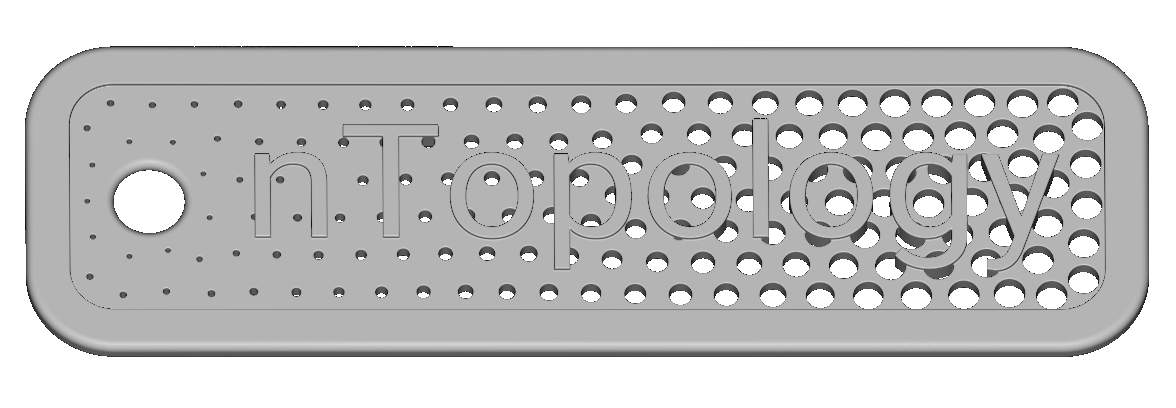
Given the workflow below, use the Ramp block to vary the size of the holes (Branched Lattice thickness) and produce designs similar to those shown in the images below. Feel free to choose whichever distances and thicknesses look best to you, but vary the thickness in three different ways using the three different scalar fields below:
- The “nTopology” letters
- Any three points (your choice of location)
- The “CAD faces to Ramp” variable located in the Geometry section of the Starter File.
Examples of Possible Final Designs:
Tip:
Remember to look at the Scalar field you are using as your reference in the Ramp , as well as the resulting field, to define the best In min, In max, Out min and Out max values.