

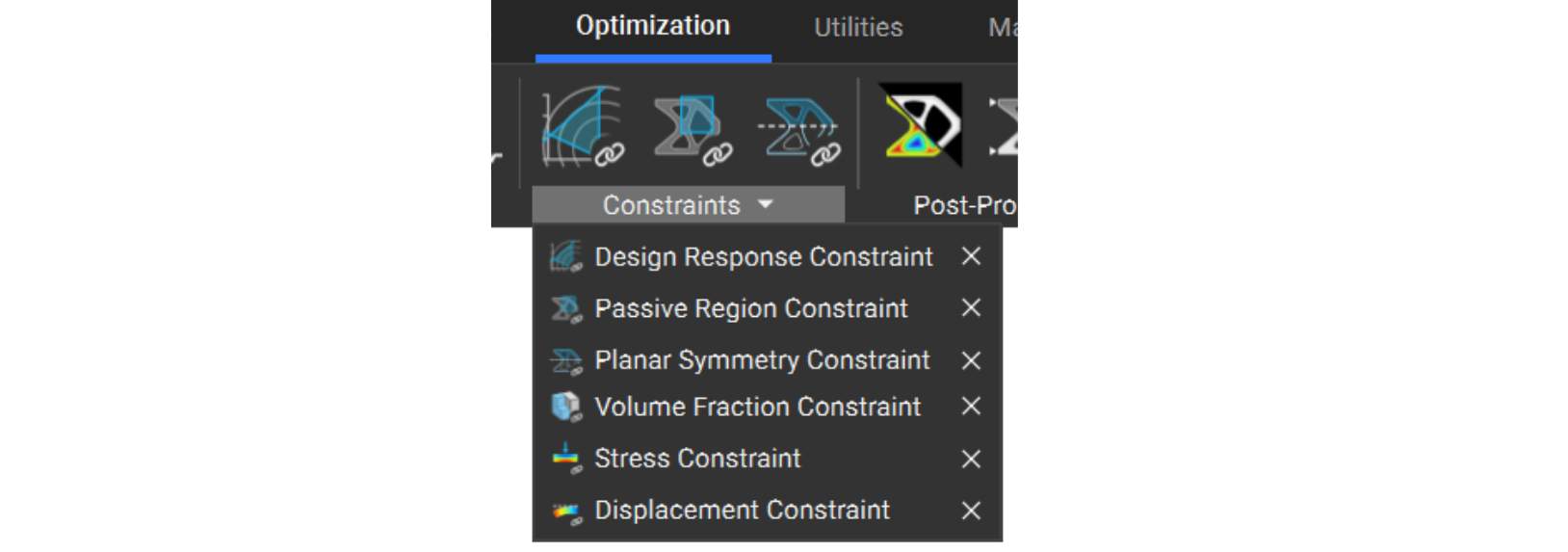
Design Response Constraint
Design Response Constraint
A defined design response drives the field optimization result. The most commonly used constraint applies a minimum or maximum bound to a design response, such as volume fraction, displacement, or stress.Choose a design response to constrain the problem, ensuring the solution meets and falls under or exceeds your quantitative restriction (dependent on your choice), for example:
- limiting the final volume of your part to 30% or less (with an input of 0.3)
- limiting the stress in a particular FE region to 30 MPa or less
- limiting the displacement of a node in a specific FE region to 2 mm or less
- In cases where you want your solution to meet or exceed quantitative restrictions, include an upper and lower bound in the constraint.
- The Stress Constraint does not resolve the stress on the actual geometry, but the background mesh with the equivalent properties. For this reason, it is important to perform a post-optimization verification on the results to ensure meeting stress constraints.
Passive Region Constraint
Passive Region Constraint
The Passive Regions Constraint specifies a volume in which the field optimization process will not modify the topology.Specify any FE region. By default, the FE regions for the boundary conditions are passive regions.
Planar Symmetry Constraint
Planar Symmetry Constraint
You can add this to the constraints list to ensure symmetry in the resulting part. We recommend using a symmetrical FE Mesh that matches the planar symmetry of the field optimization constraint, using the Mirror FE Mesh block. Although this constraint yields a symmetric geometric result, it does not require symmetric boundary conditions.The model should be inherently symmetric for this to work. Planes should be orthogonal to the model and placed through the centroid of the FE model.To create a symmetric mesh:
- Cut the design space in half using the splitting plane
- Generate an FE mesh from this half
- Mirror the FE mesh about the plane to create the second half of your design space
- Merge the FE meshes to union the halves back together