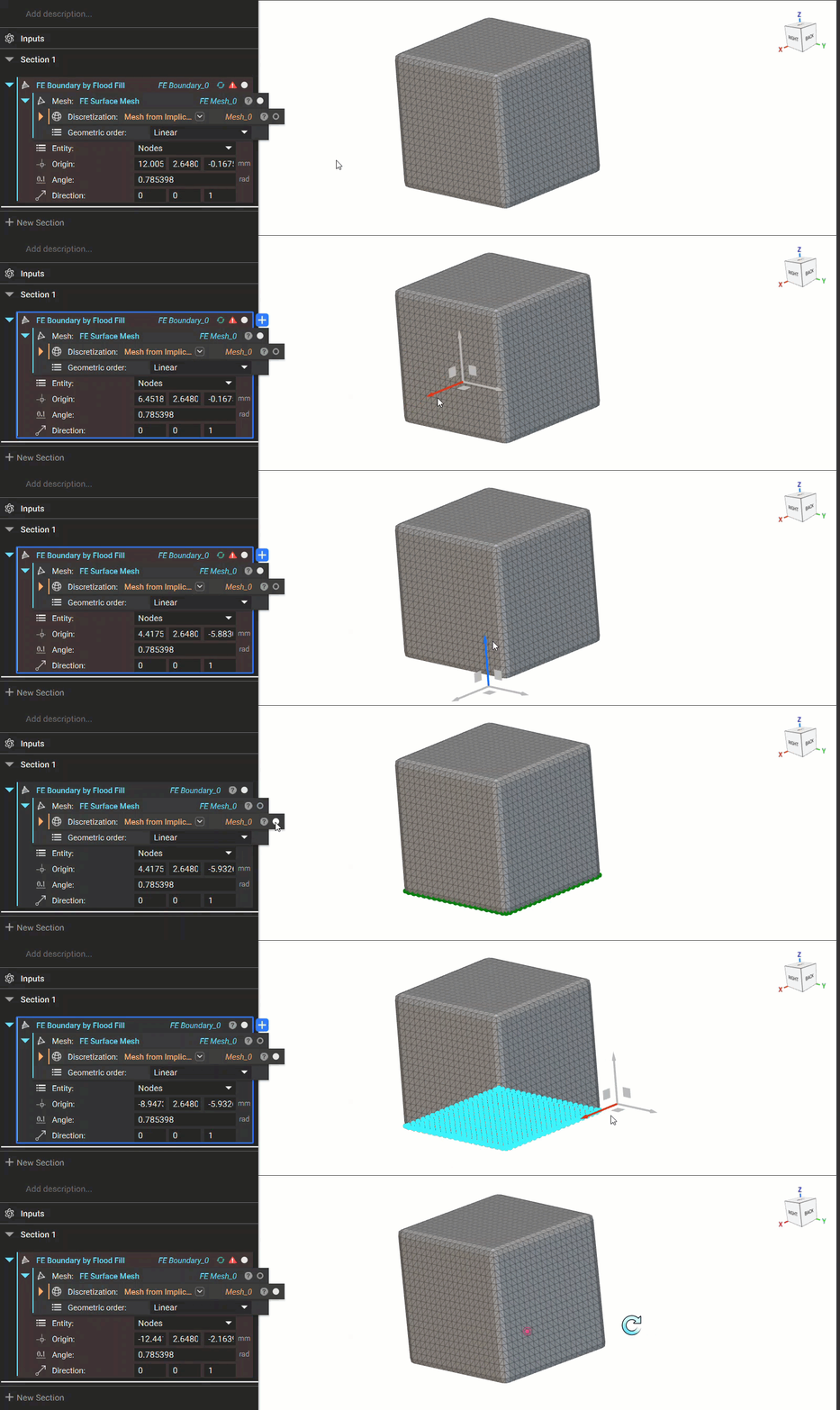
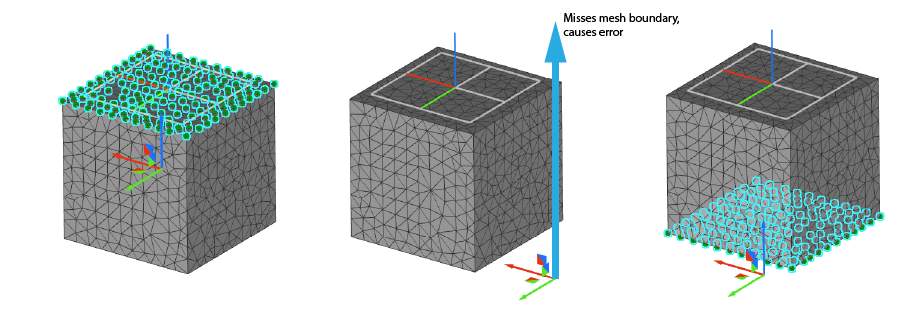
Angle
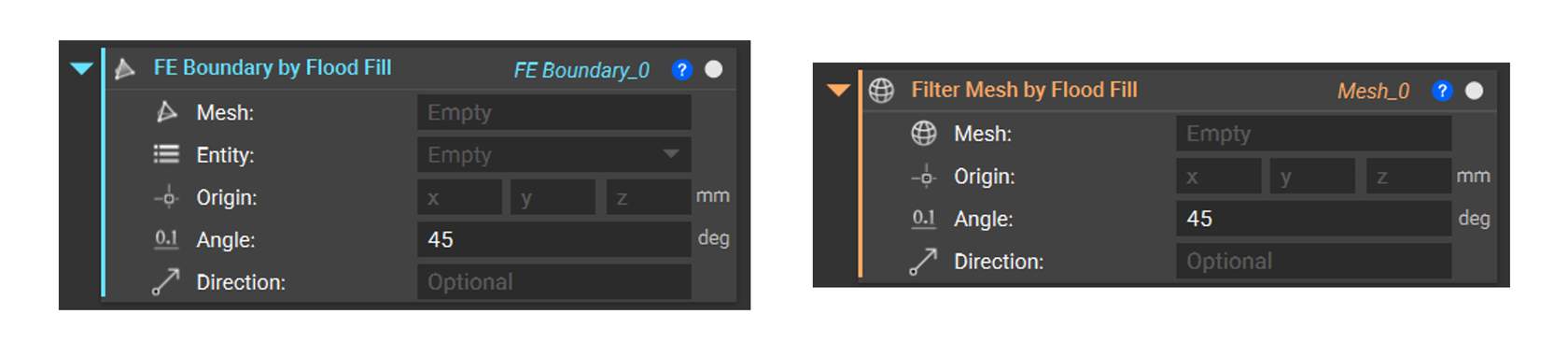
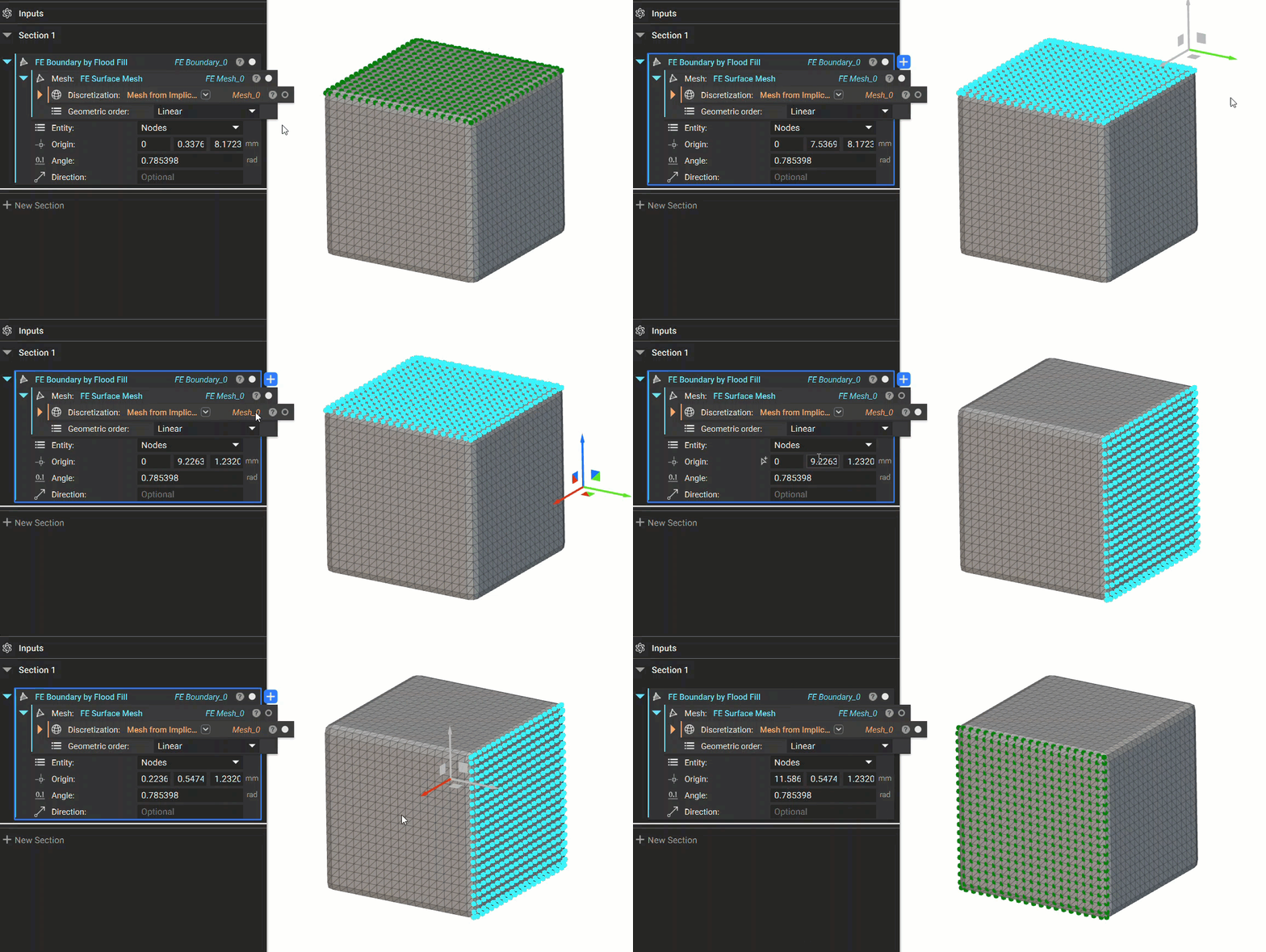
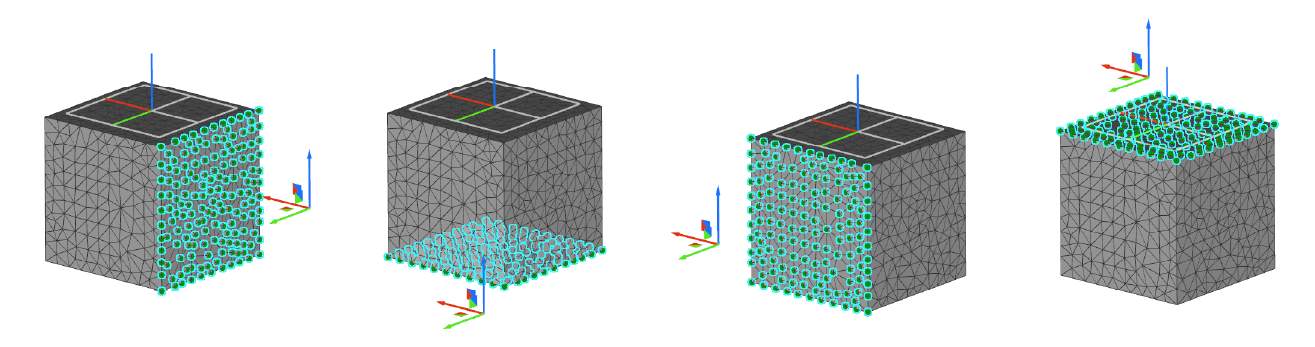
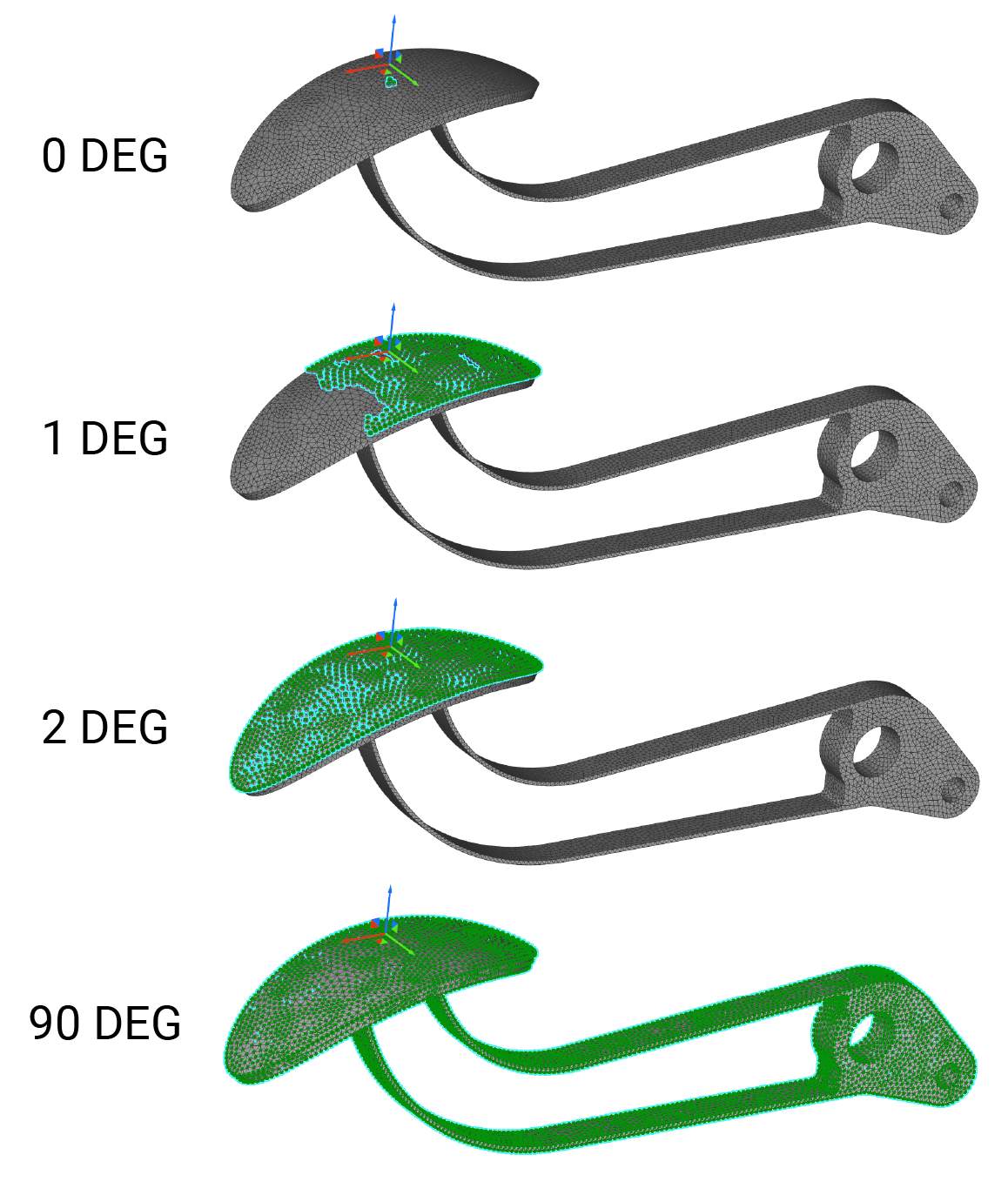
The angle defines how many entities to select by comparing the normal of face0(seed entity) with all neighboring faces. If the faces are below the tolerance angle, they will be selected. It is helpful when selecting entities on curved surfaces. If the angle is x degrees, the Flood Fill will choose all entities with an angle of up to but not including x degrees between them and the normal of face0. Watch below to see this behavior.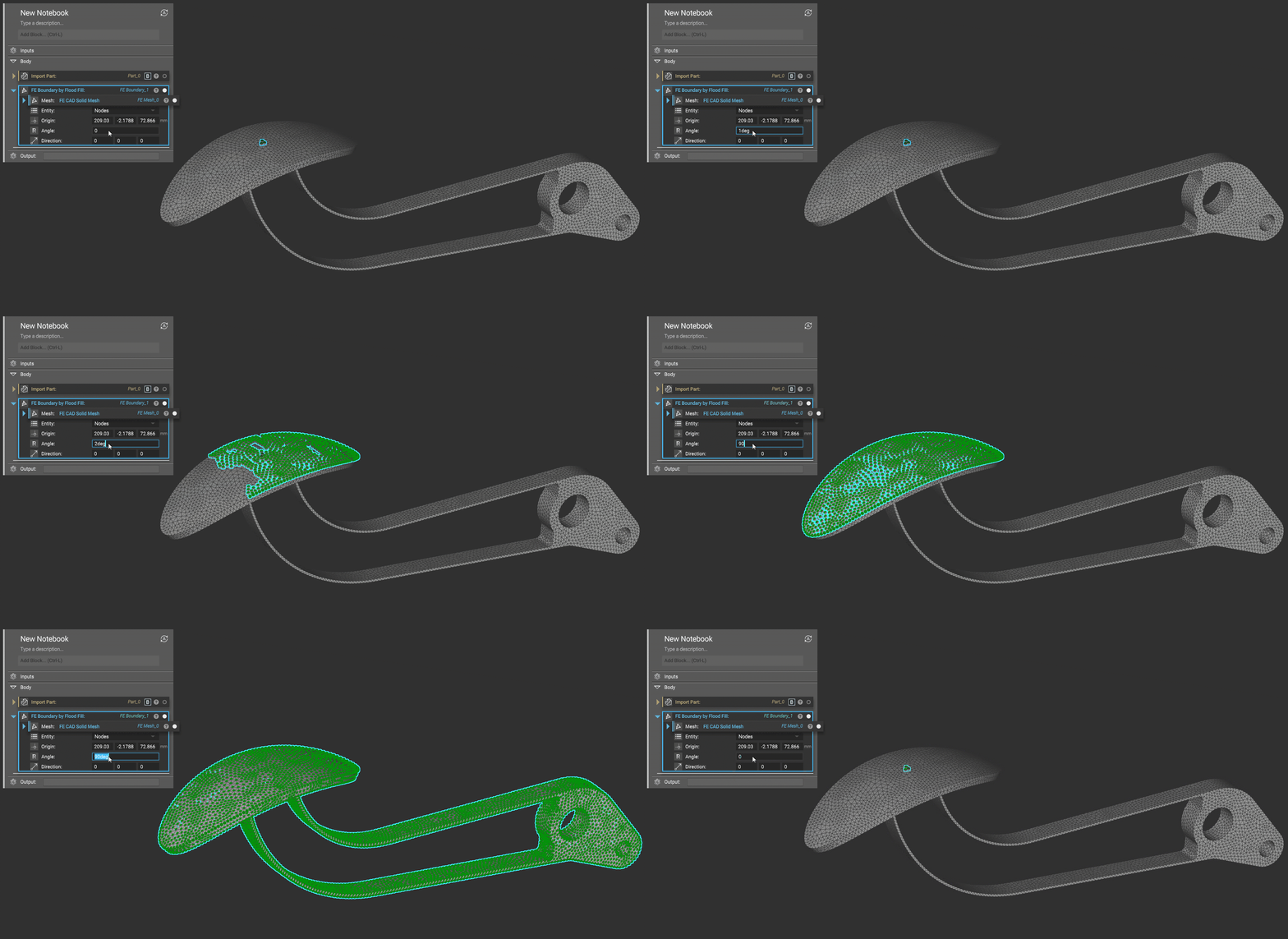
Right-Click Flood Fill
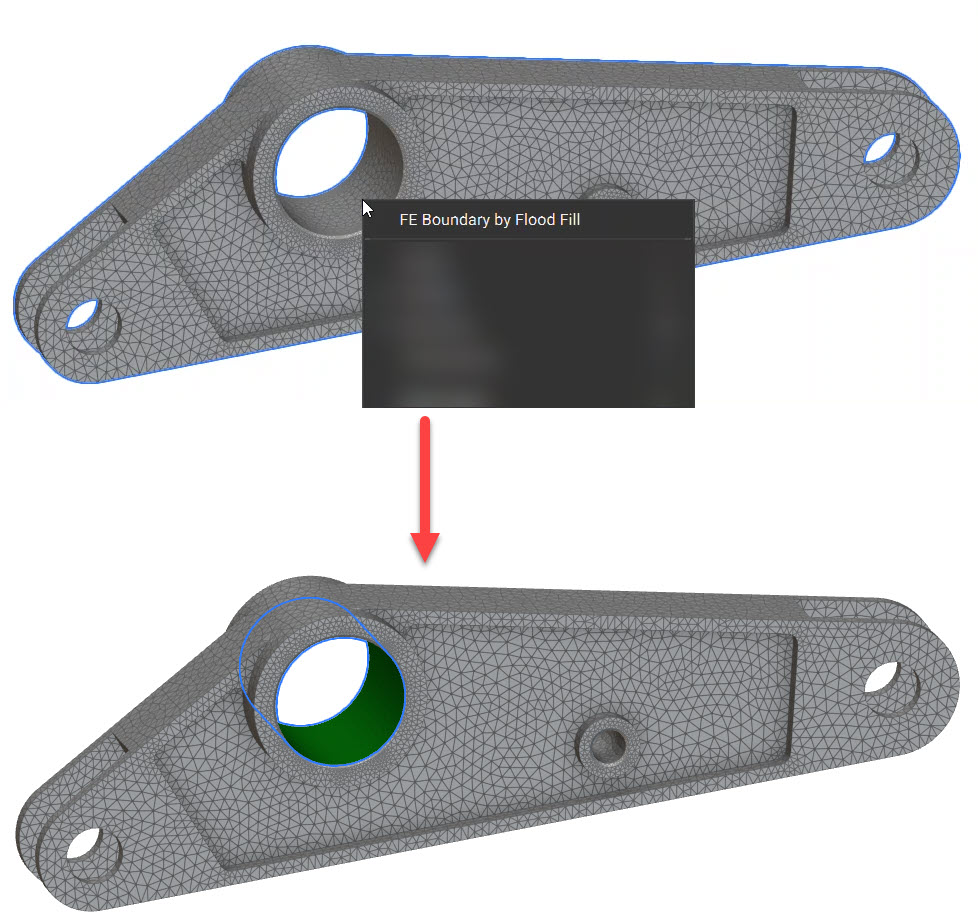
You can also select a mesh face in the 3D scene and flood to the boundary. Right-clicking on the mesh launches a context menu with the option to perform the flood fill operation. The option works for both an FE Mesh or Mesh object. The flood fill operation creates a block in the Notebook with the associated inputs, so your flood selection is preserved. Selecting the FE Boundary by Flood Fill context menu floods the mesh faces in the vicinity of the selection point.