Import and Export FE Meshes
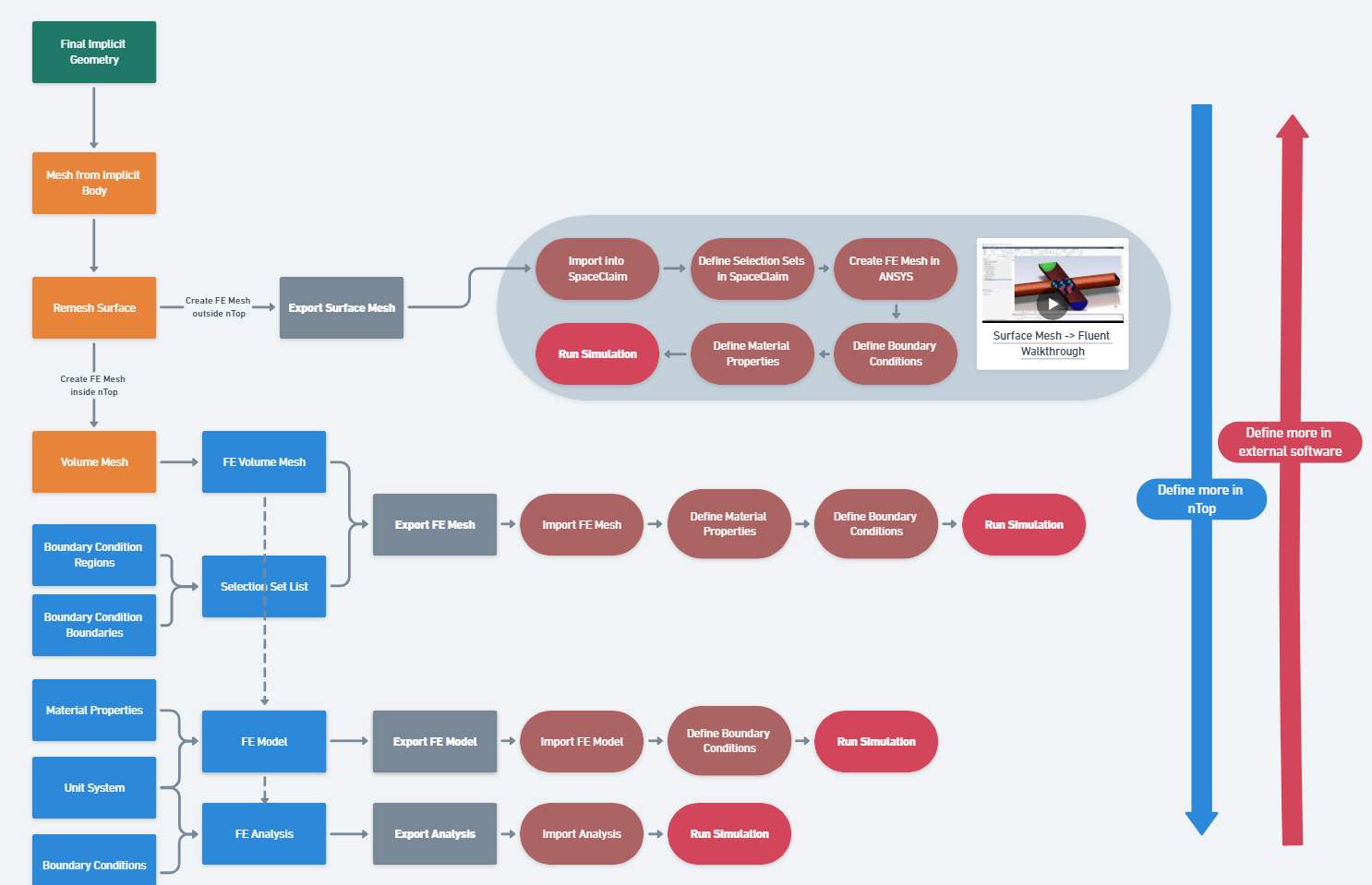
You can use the Export FE Mesh block for exporting your FE Mesh to external software and our Import FE Mesh block to import an external mesh. Named Selection Sets of nodes, edges, cells, etc. can be defined in nTop and preserved through exporting the FE Mesh file from nTop into FEA software. The named selections can be assigned to Boundary Conditions in the simulation software. Not all selection types are compatible with all file formats and software.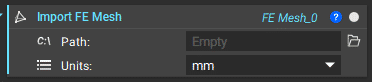
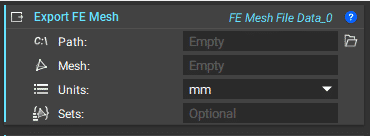
FE Mesh Types Available for Import
FE Mesh Types Available for Export
Note: If running CFD, we can now export the CFD boundaries and FE mesh using the CFD Boundary on FE Mesh and Export FE Mesh to CFD blocks found in the Beta tab.
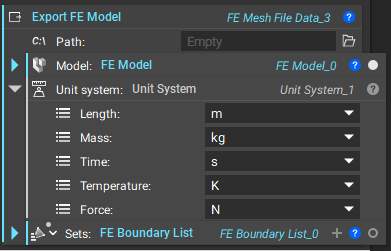
Export FE Model
To export the FE Model for external simulation software, input the FE Model, Unit System and FE Boundary List to the Export FE Model block.Export File Types
Import and Export FE Results
To run a simulation outside of nTop, you can export the FE Analysis which requires the FE Model, the Boundary conditions, and the unit system.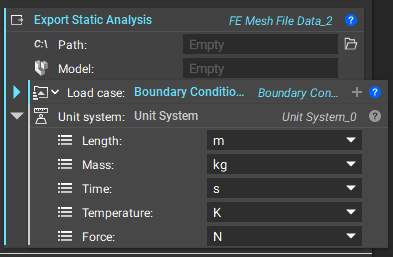
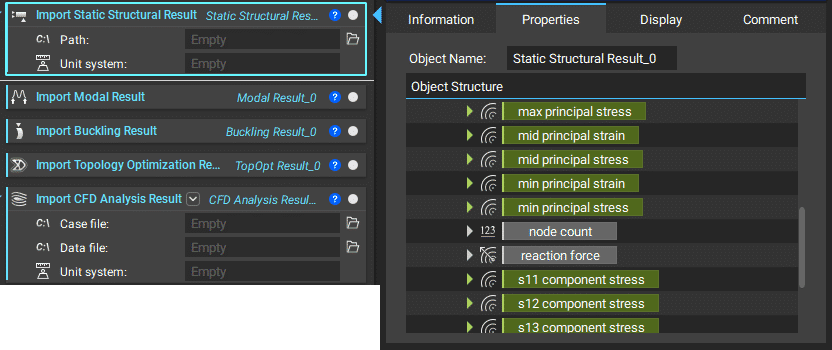
FE Results Available for Import
Importing a Point Map
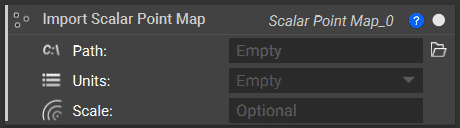
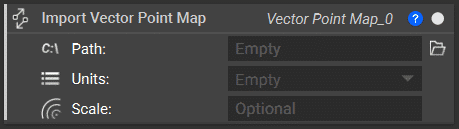
If you are working with simulation files that are not supported in our export option, you can still bring in the results to nTop to drive designs using the Import Scalar Point Map or Import Vector Point Map block. If you are importing a Scalar Point Map, ensure your format is: X, Y, Z, S where S is the desired value at each point. If you are importing a Vector Point Map, ensure your format is: X, Y, Z, U, V, W where The U, V, W represent the vector at each point. These blocks use CSV files for creating the point maps.