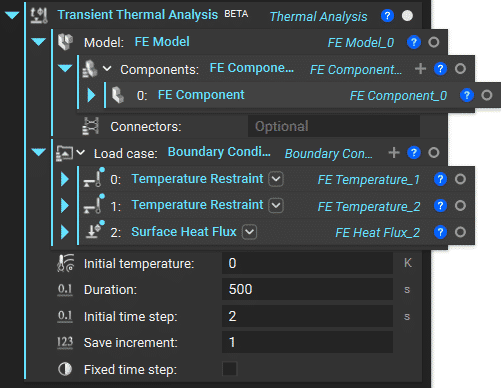
Note: The Transient Thermal Analysis block is a BETA block.
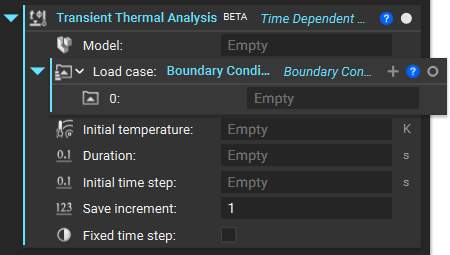
- FE Model
- Boundary Condition List with the restraints and applied thermal loads
- Initial temperature with the initial temperature of the components in the FE Model.
- Duration to set the Duration of the simulation.
- Initial time step for the transient analysis, with automatic control of subsequent time steps
- Save increment input controls the amount of data stored and accessible after the simulation completes. The default value of 1 will save results for all increments, whereas 0 will save only the first and last increments. For any value N > 1, the block will save results for every N increment.
- Fixed time step checkbox is to fix the initial time step for the entire analysis. If this option is unchecked, the solver uses an automatic time-stepping scheme that varies the initial time step based on the stability of the analysis.