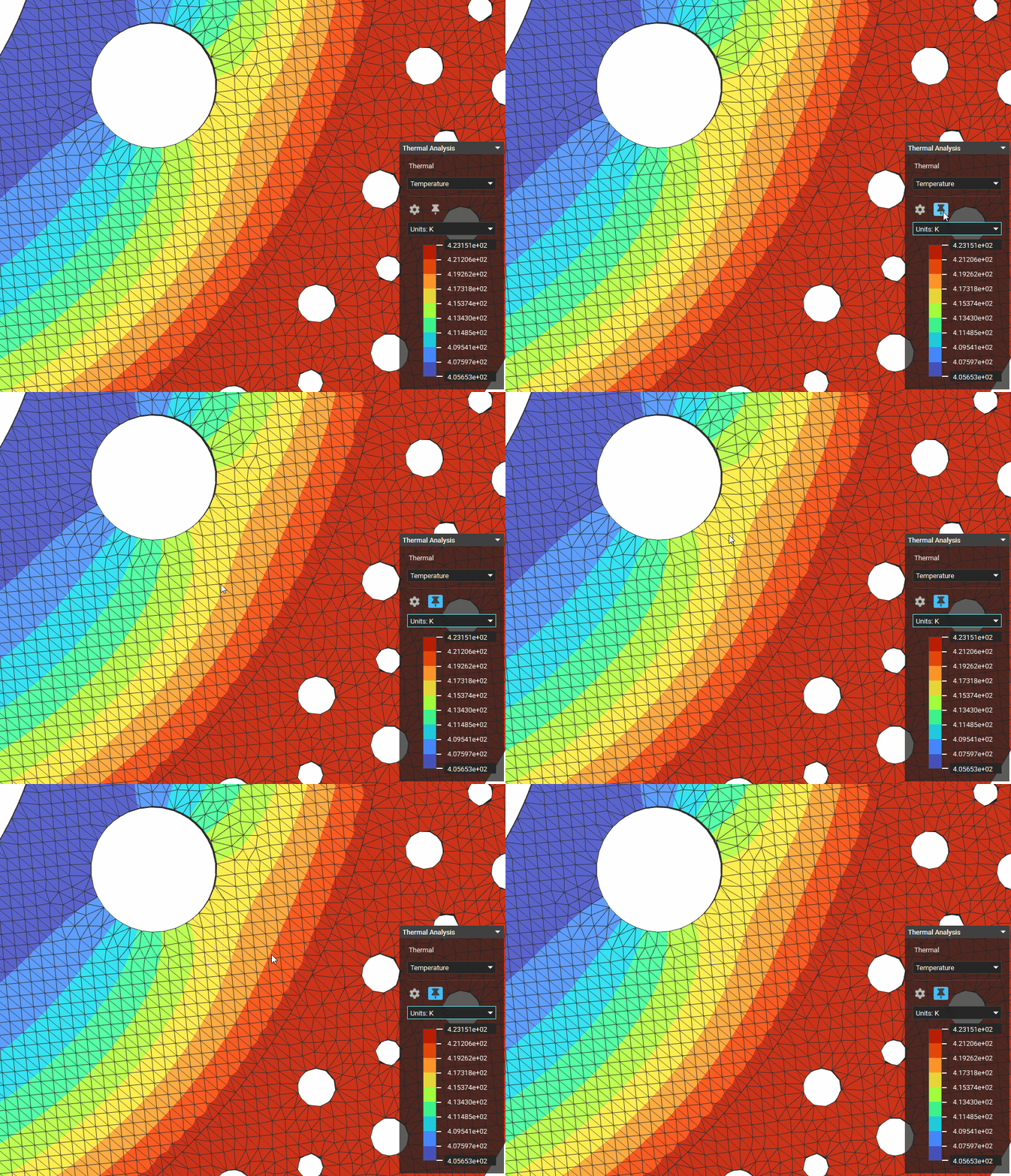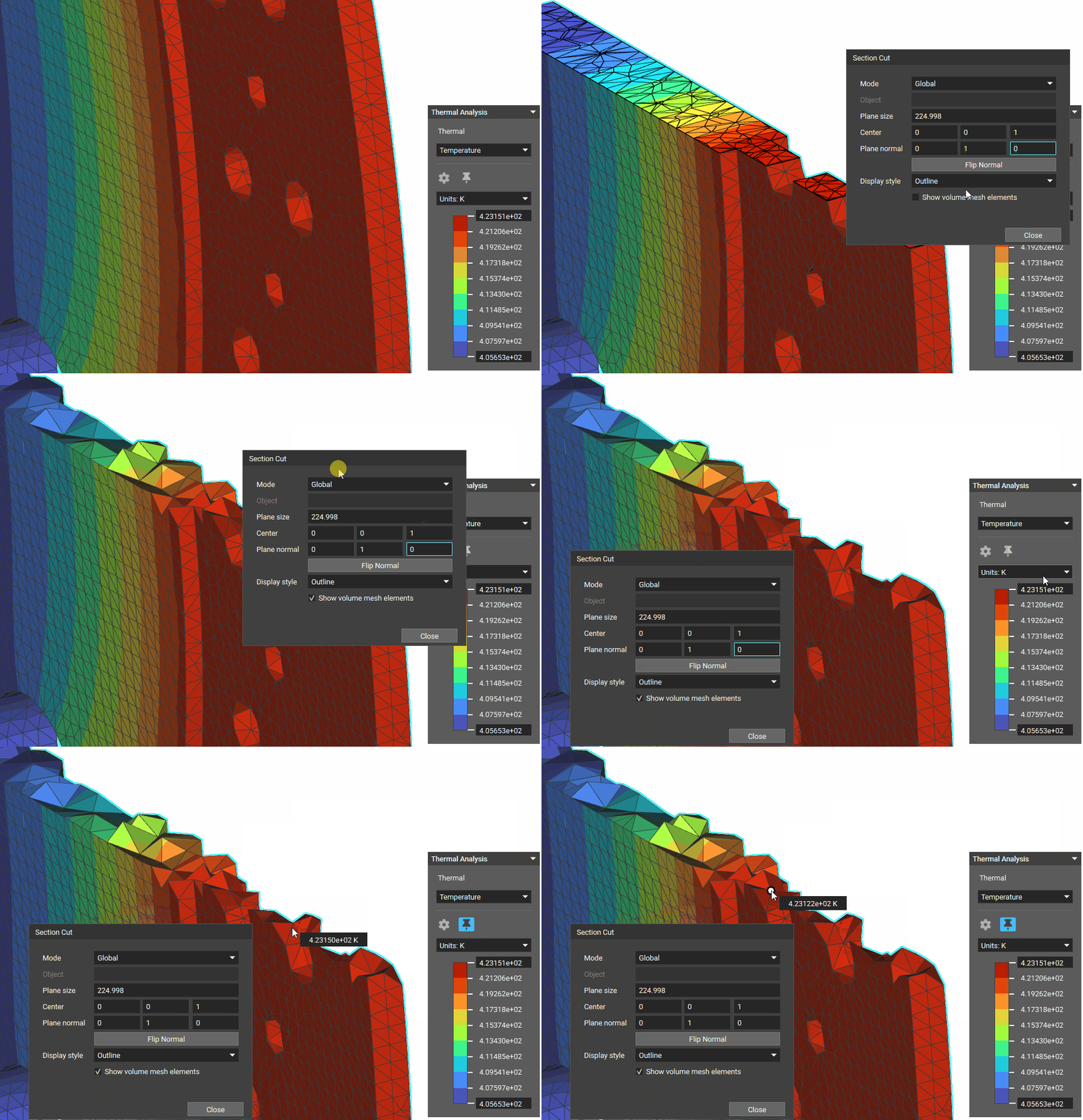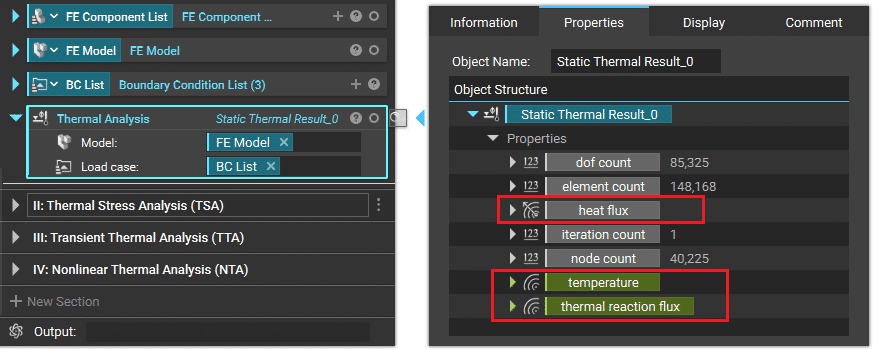
These fields can be brought into the Notebook and visualized with the Field Viewer, as shown below.
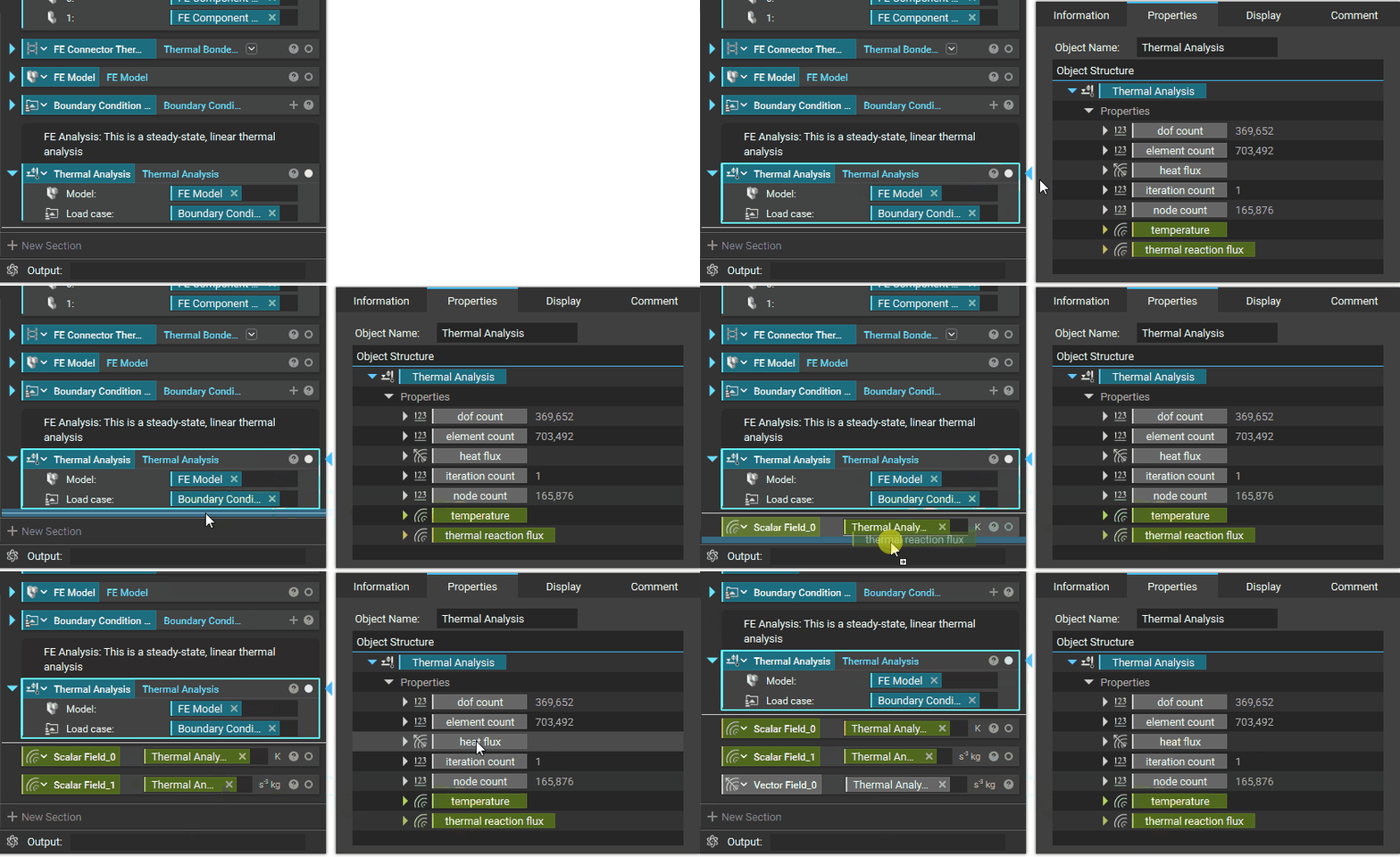
Field Results
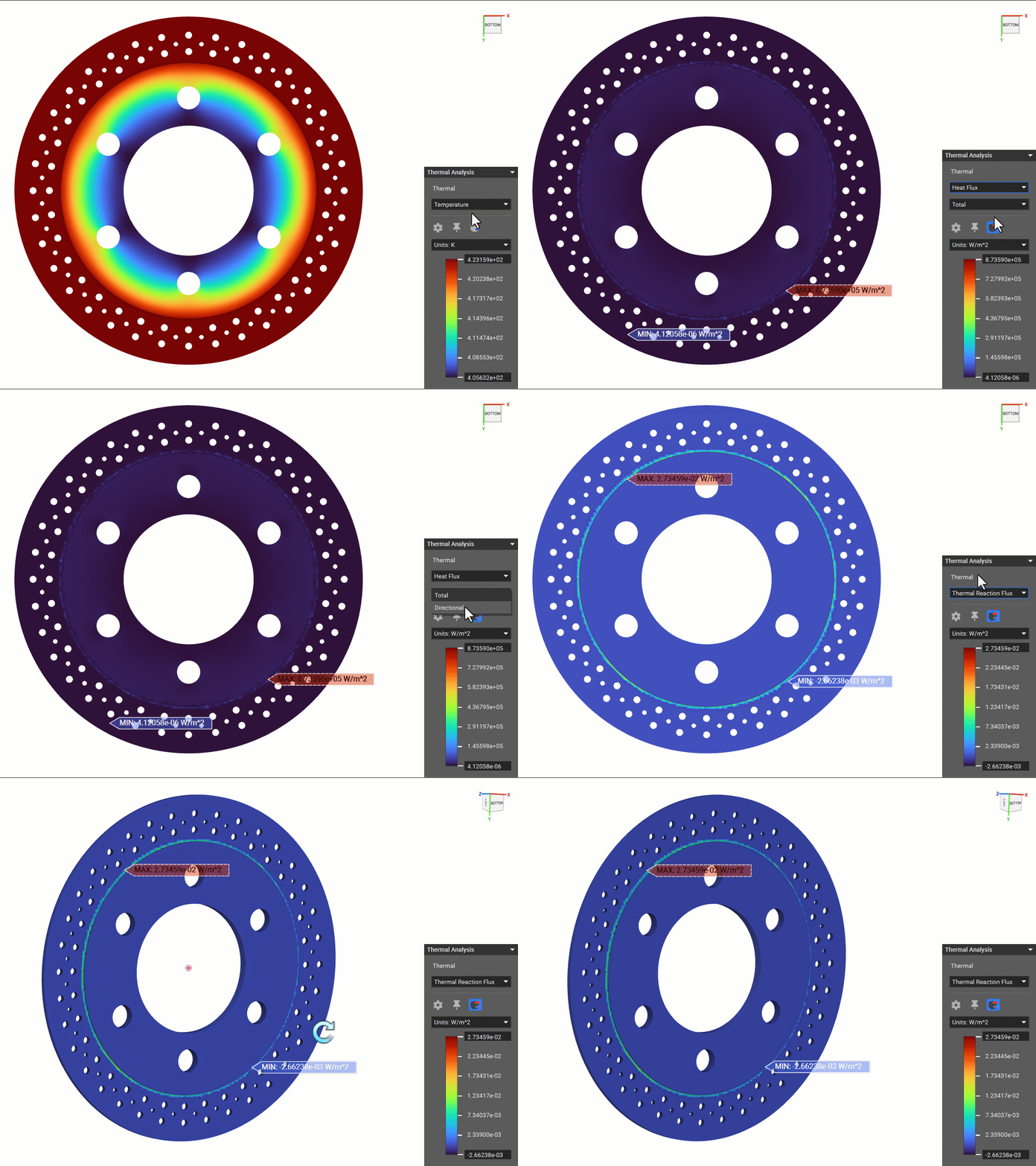
The following field results can be directly viewed by isolating the relevant analysis block for Thermal Analysis, Transient Thermal Analysis and Nonlinear Thermal Analysis:- Temperature (K)
- Heat Flux (W/m2)
- Thermal Reaction Flux (W/m2)
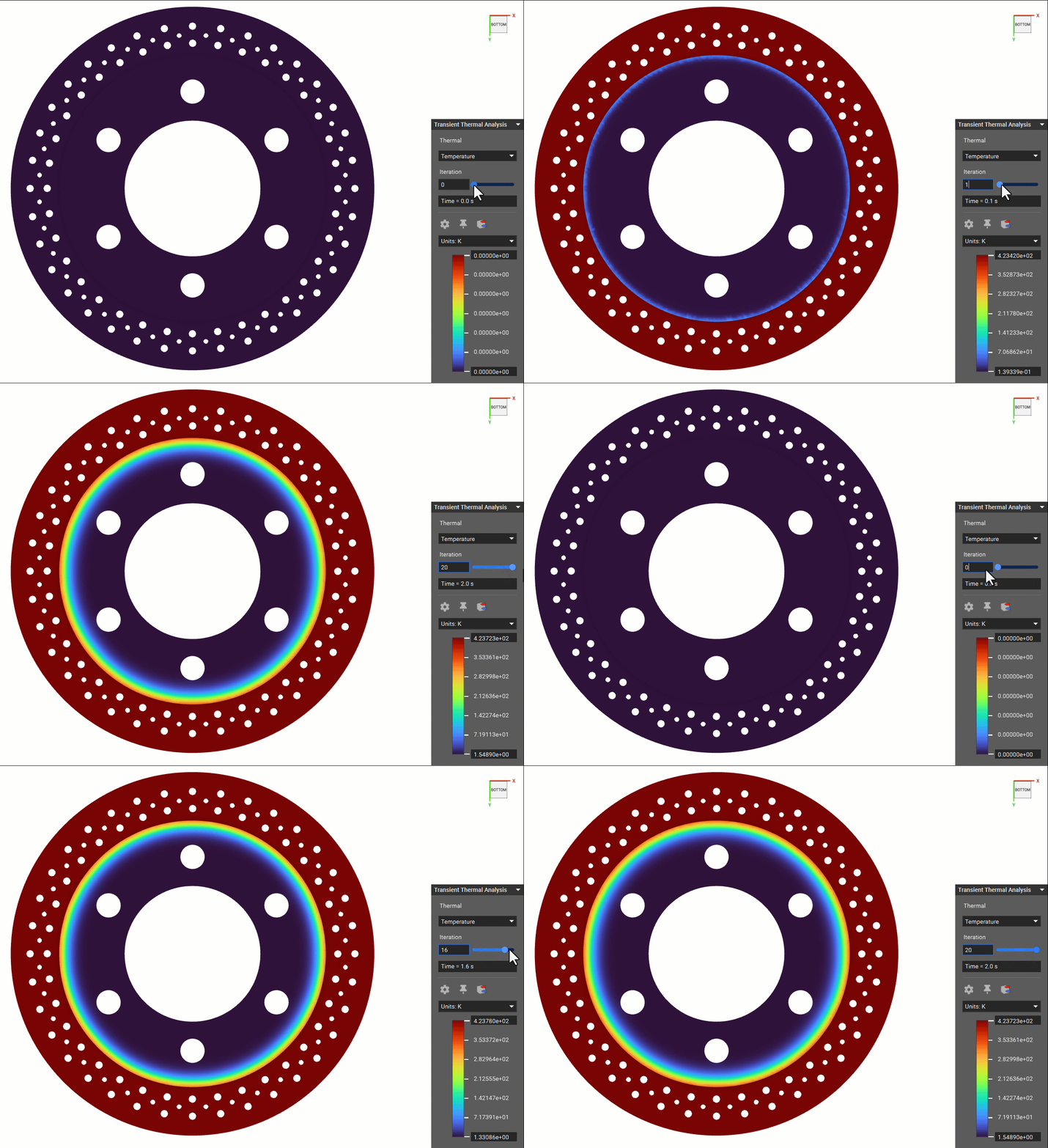
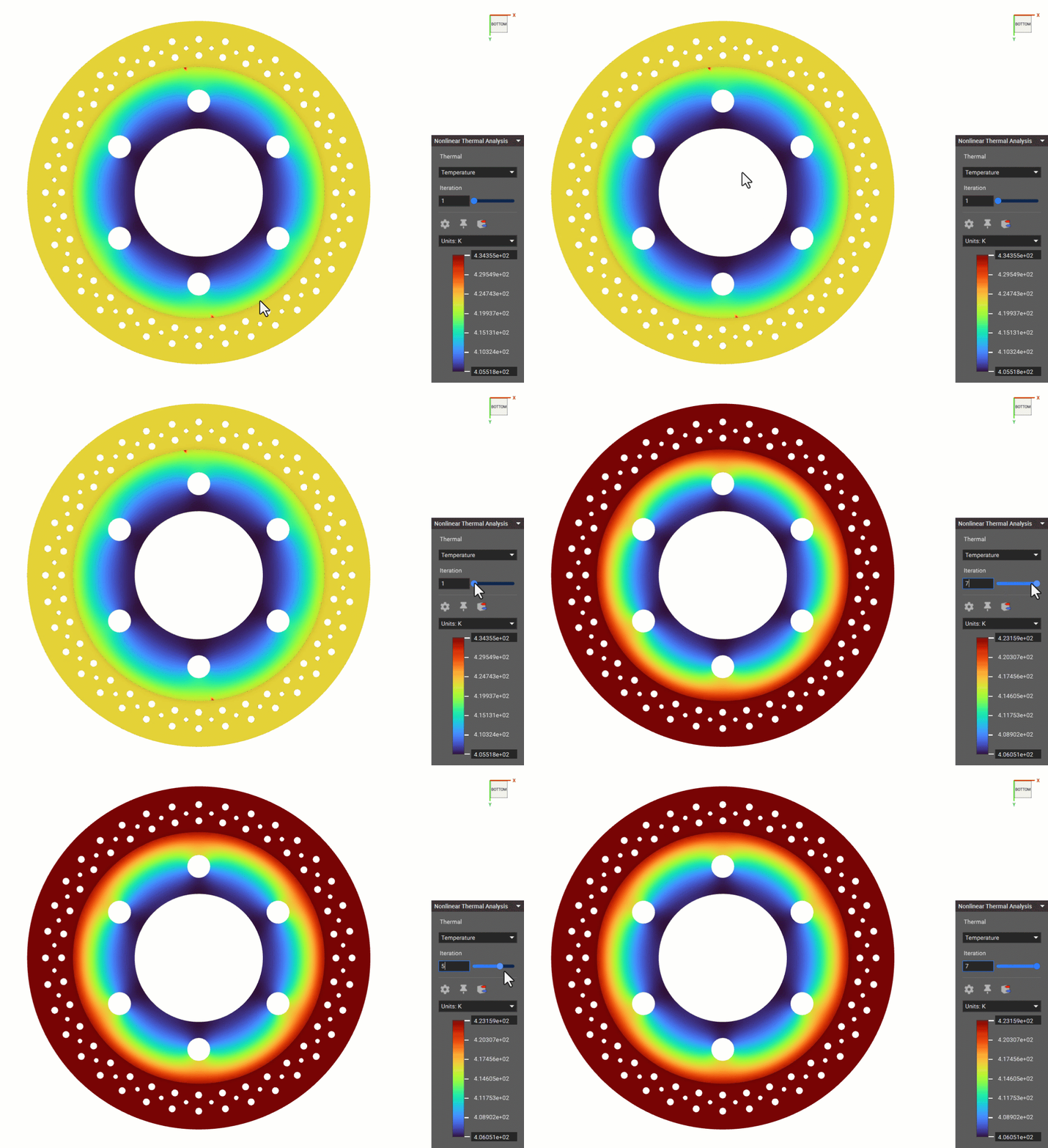
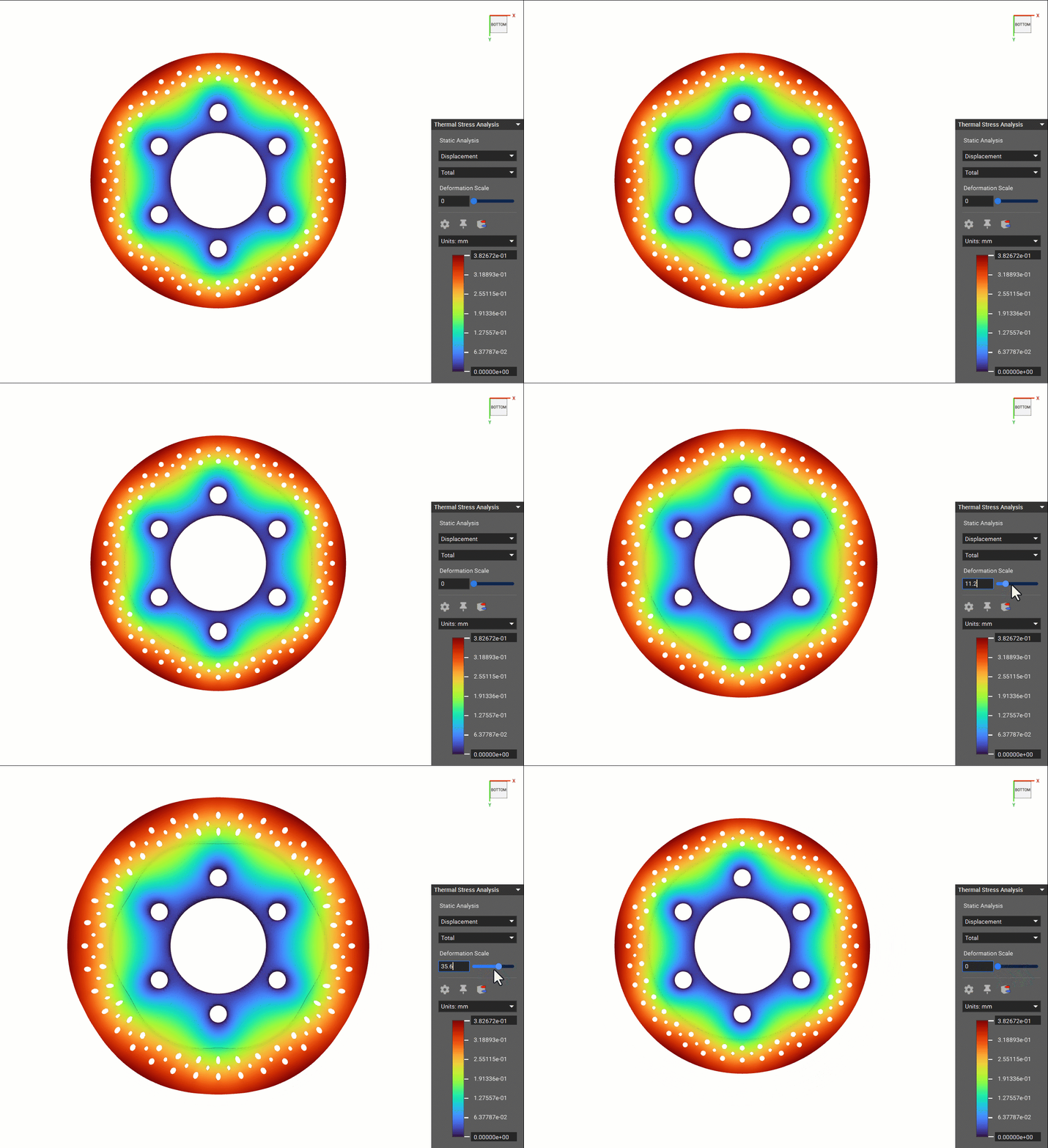
Note: For a Thermal Stress Analysis, the post-processing is the same as that for the Static Analysis, as covered in the 240: Intro to Simulation course.
Temperature Point Maps
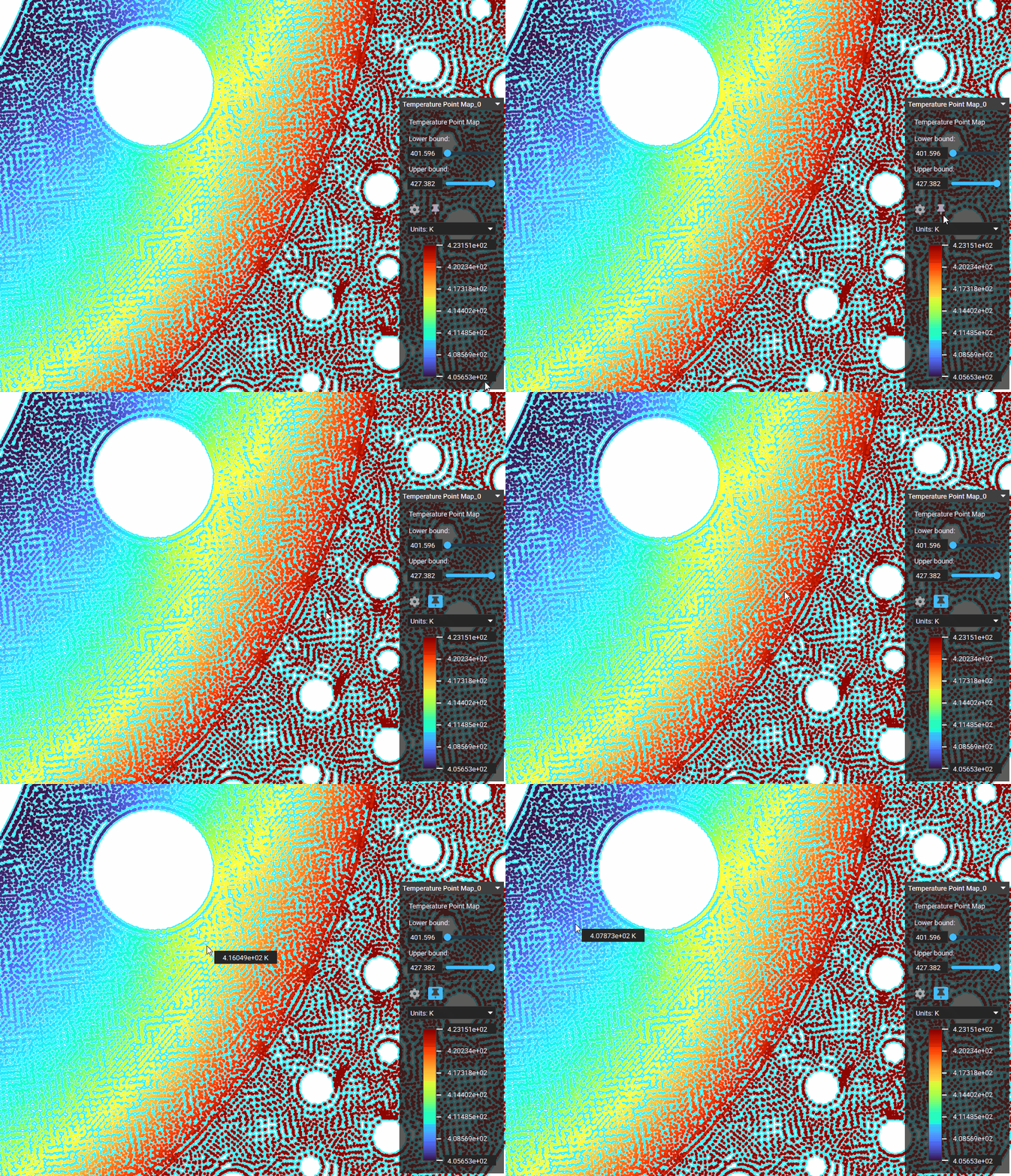
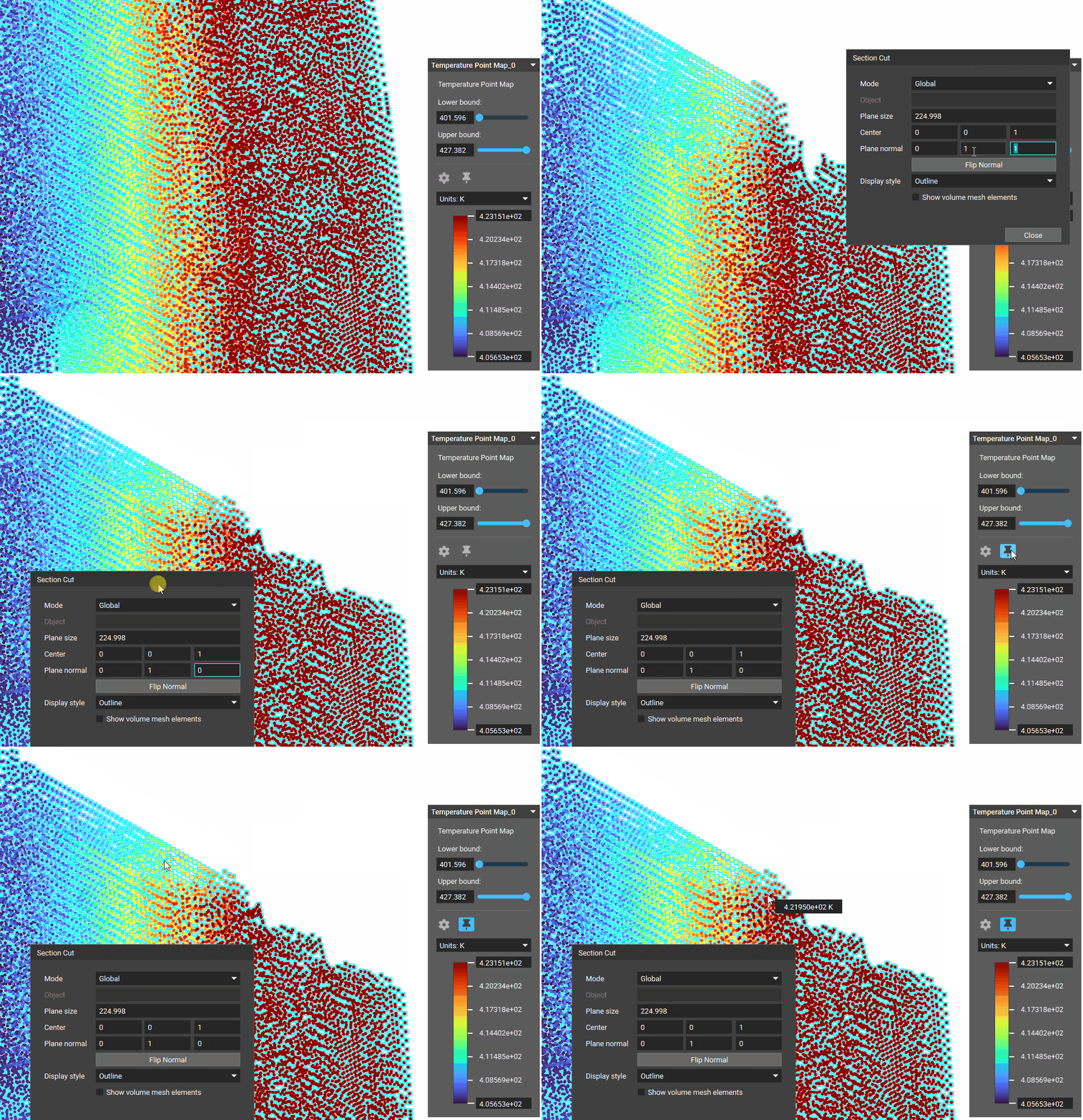
It could be interesting to create a Temperature Point Map from thermal analysis results, which could be used further in field-driven design.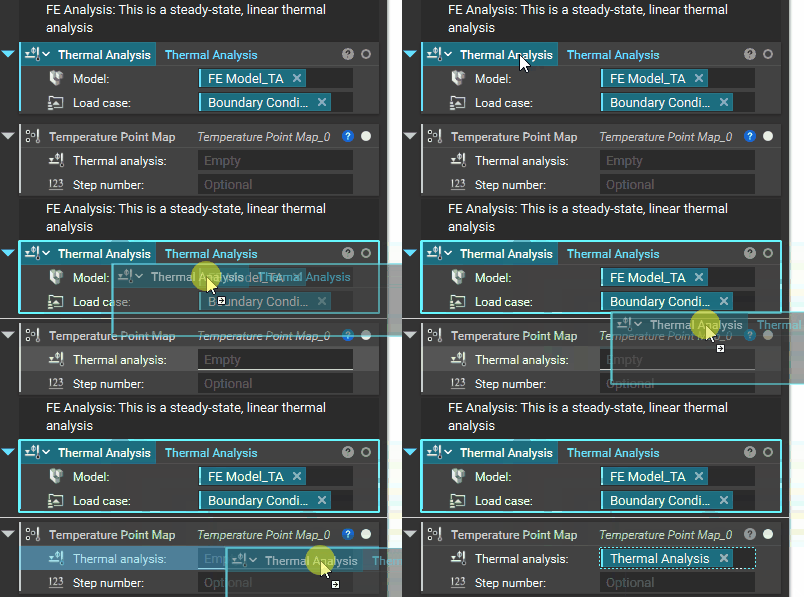
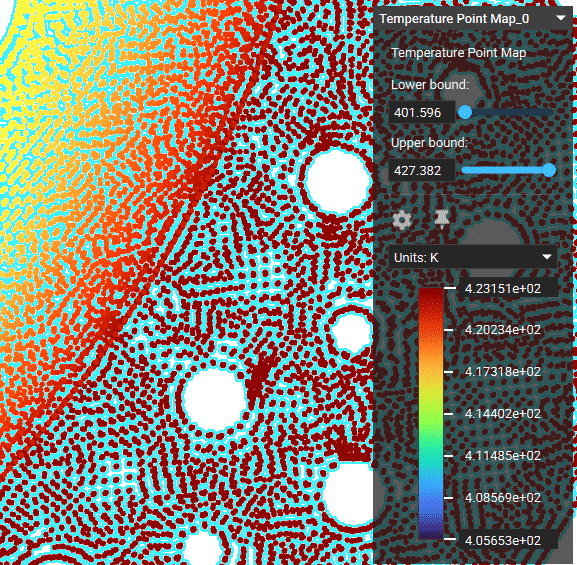
Note: To learn more about how to leverage point maps for advanced engineering workflows, refer to the 320: Data Driven Design course.
Probe Mode to View Individual Values
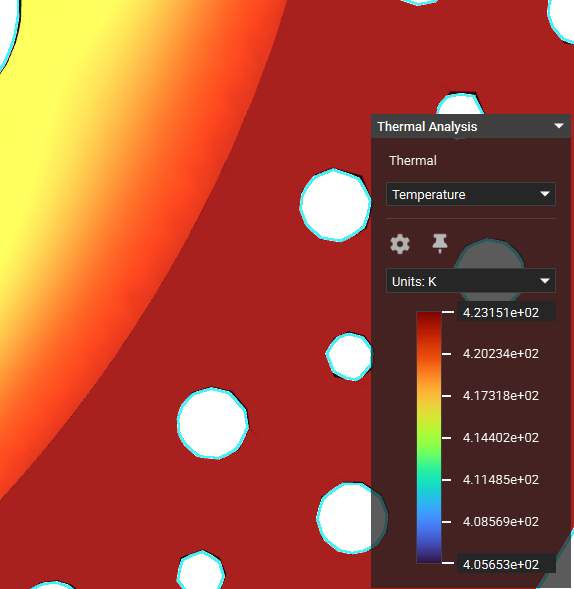
You can directly probe values of the simulation results (fields) and point maps using the Probe Mode tool as shown below.