
Now that you’re familiar with Topology Optimization and Post Processing, try completing the following problem on your own.  After solving, advance to the next lesson and follow as we walk through a solution. Download the .ntop file below to get started.

Problem Statement

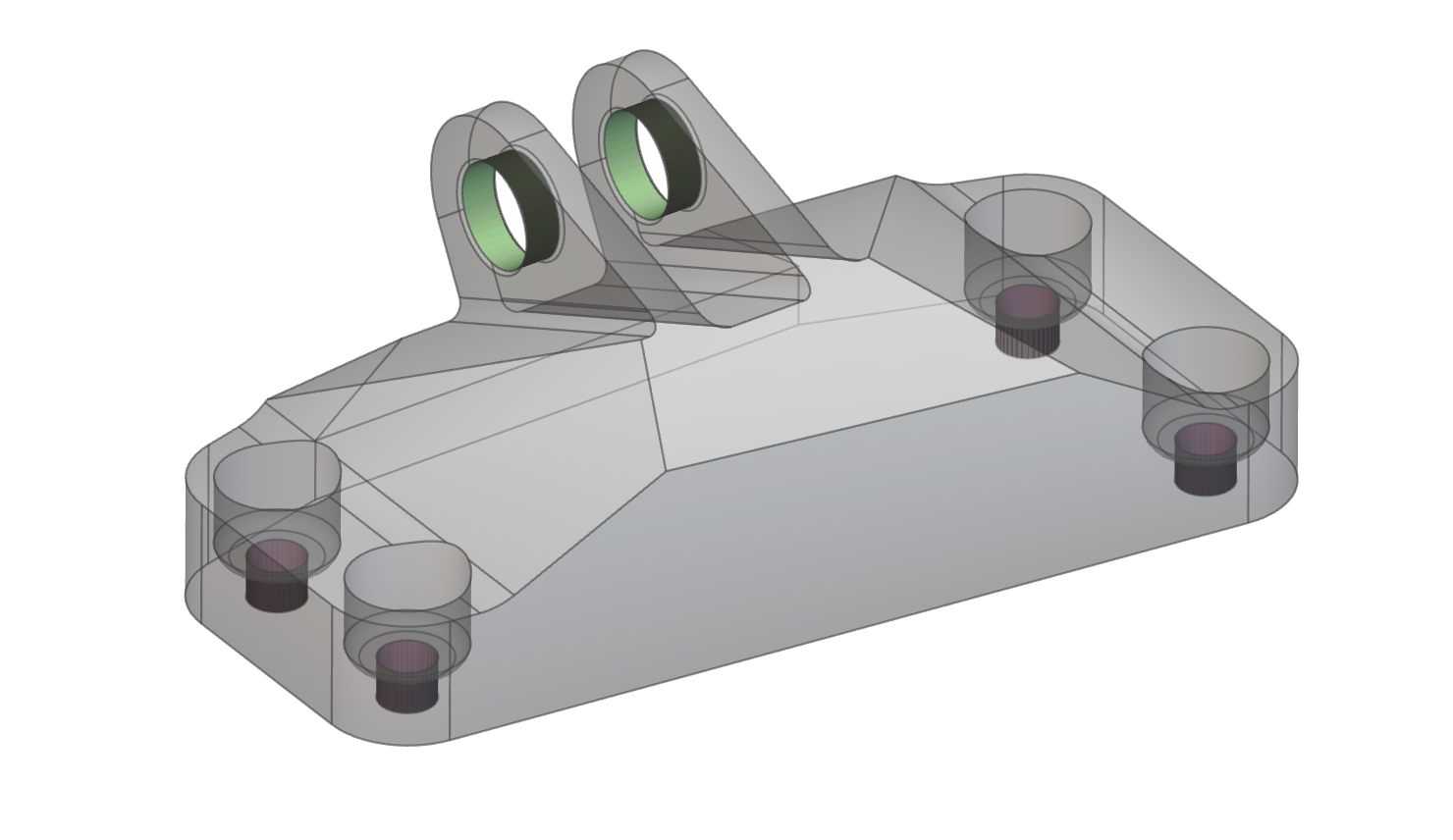
Perform Topology Optimization on the CAD bracket shown below.  Our goal is to minimize structural compliance, and we want our final part to be 30% or less of our initial volume. The four pink faces should be fully restrained, and the green faces are to be loaded with 40,000N upward in the z-direction.  After running  the Topology Optimization, post-process the part to fit within the initial design space and maintain the original geometry at the six interfaces.
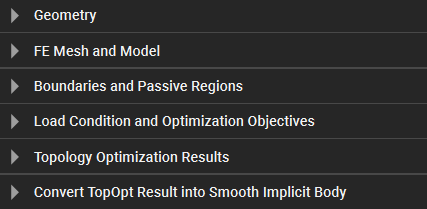
Note that the Geometry section and FE Mesh and Model are already competed in the starter file.  Use the section headers to guide you through setup, TopOpt, and post-processing.
Estimated Time to Complete: 30 minutes Example File: 340_16_1 Starter — TopOpt Test Problem.ntop Report File Issue This file was last updated in nTop 5.12.2