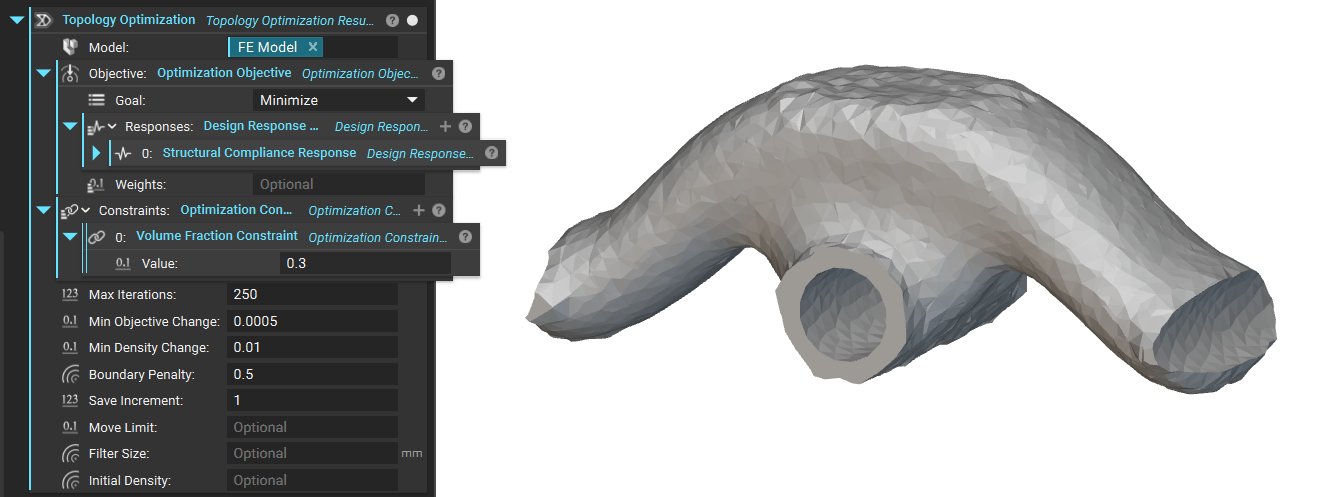
- Insert the FE Model
- Insert the Optimization Objective
- Insert the Optimization Constraints
Viewing Results
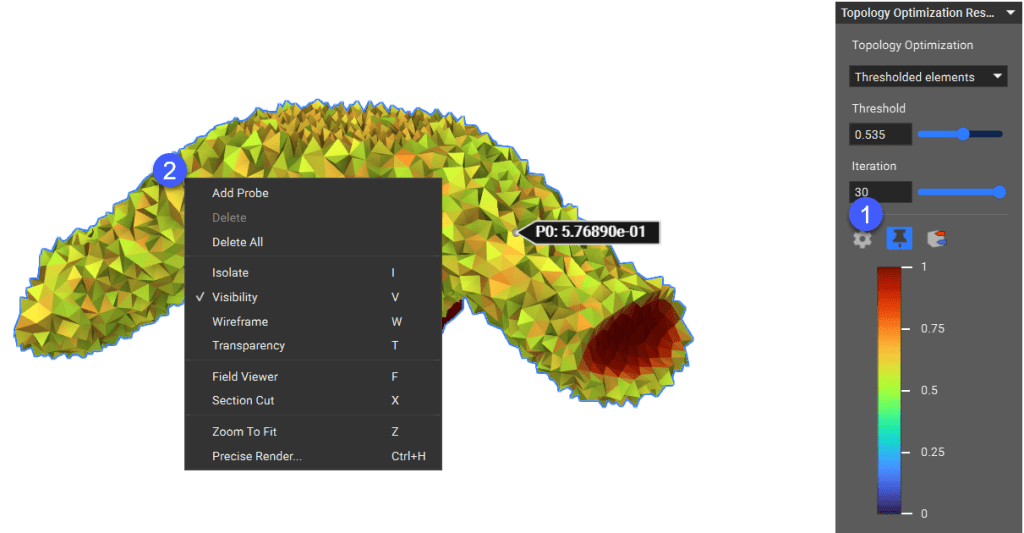
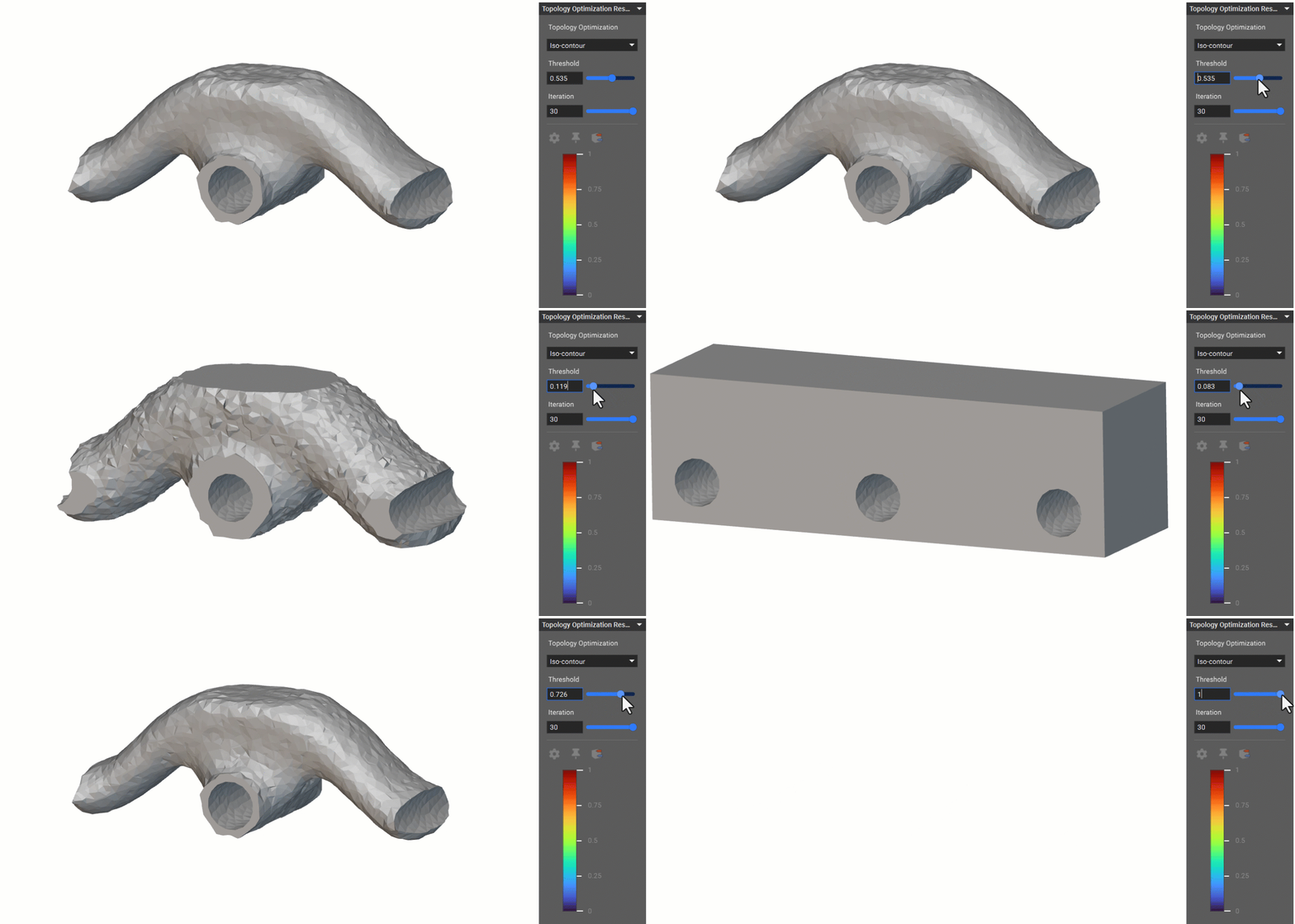
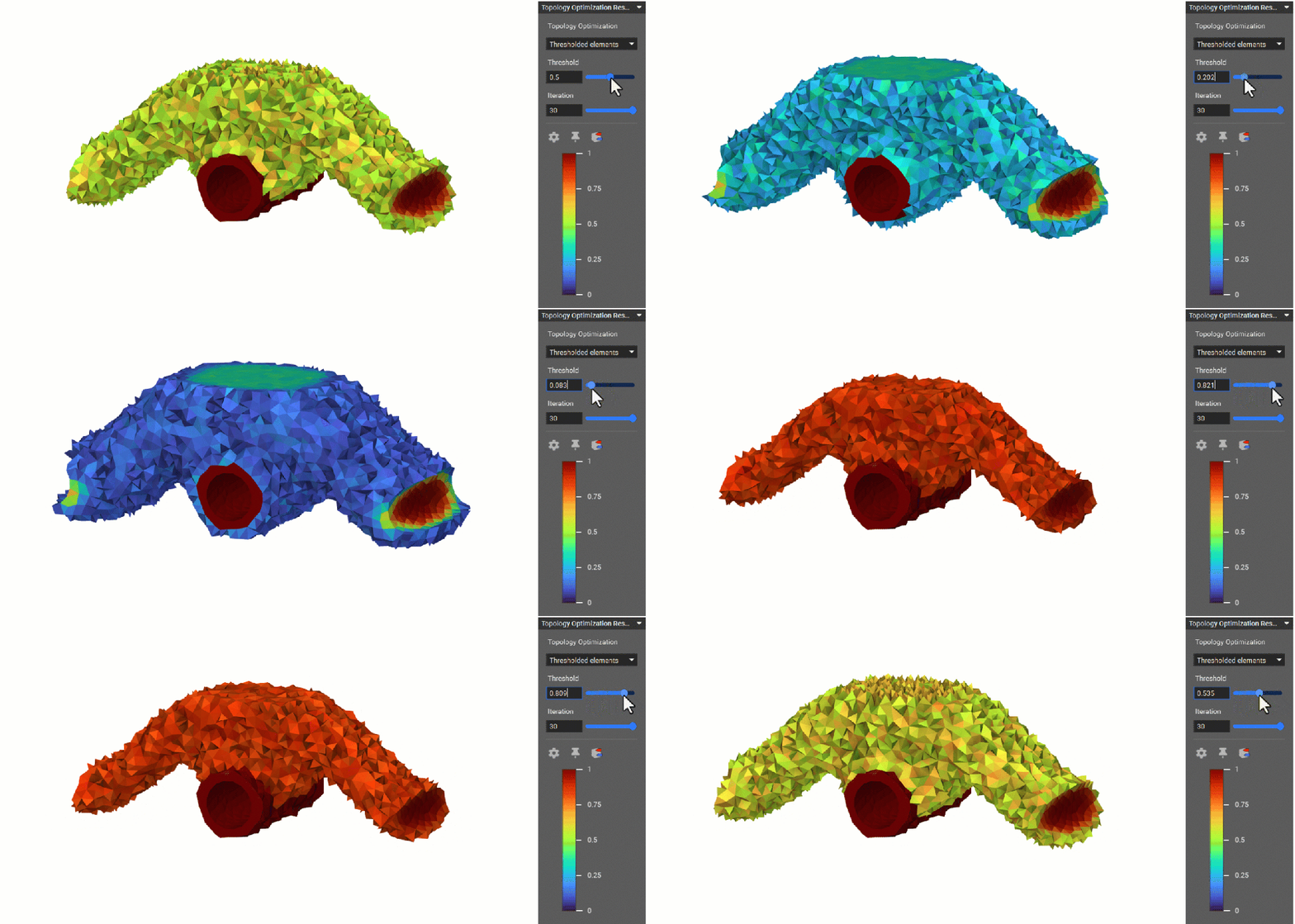
The Thresholded elements option in the Topology Optimization HUD lets you view density values assigned to all elements in the design space. Use the Threshold slider only to view elements with a value higher than the specified threshold. After the Topology Optimization is complete, you can also probe the density values of elements. The desired locations can be identified by moving the probe across the threshold plots and pinning them through a right-click selection menu. This feature can determine the best combination of the threshold parameter and iteration to output the final optimized part.