Problem Statement
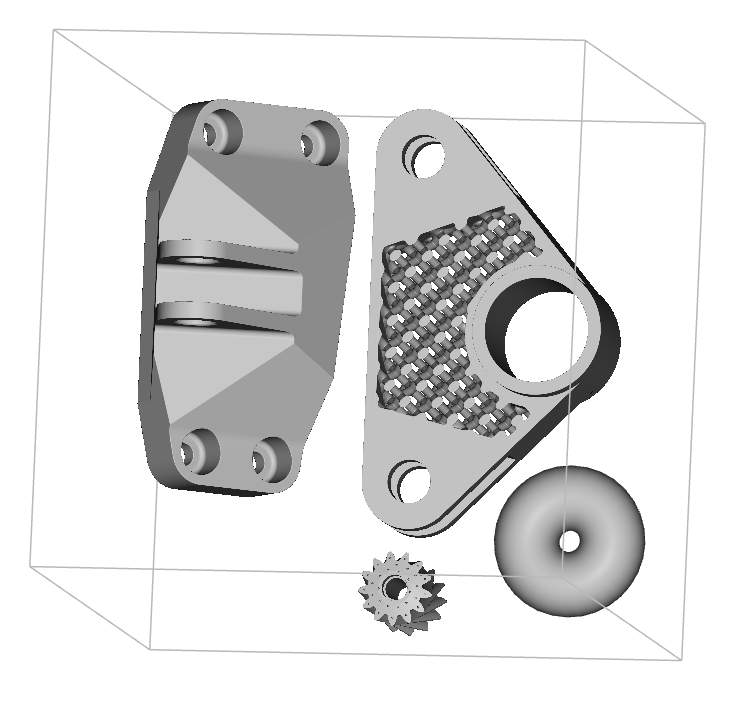
Given the starting geometry in the file linked below, please arrange the implicit bodies labeled “Lattice Bracket,” “Gear,” and “Bracket” using the Bounding Box 2D Nesting block explained earlier in this Course.- There should be a 10mm Part to Part Offset, 1mm Perimeter Offset, and no Platform Offset.
- Use the Orient Object block to place the Torus implicit body in an open space on the build plane.
- Once you arrange the parts, please slice the parts with a 1mm layer height and 0.5mm feature size and export the slices to a Renishaw 3D Printer in ASCII Format.
- Please use the printer build volume in the “Printer Information” section of the starter file.