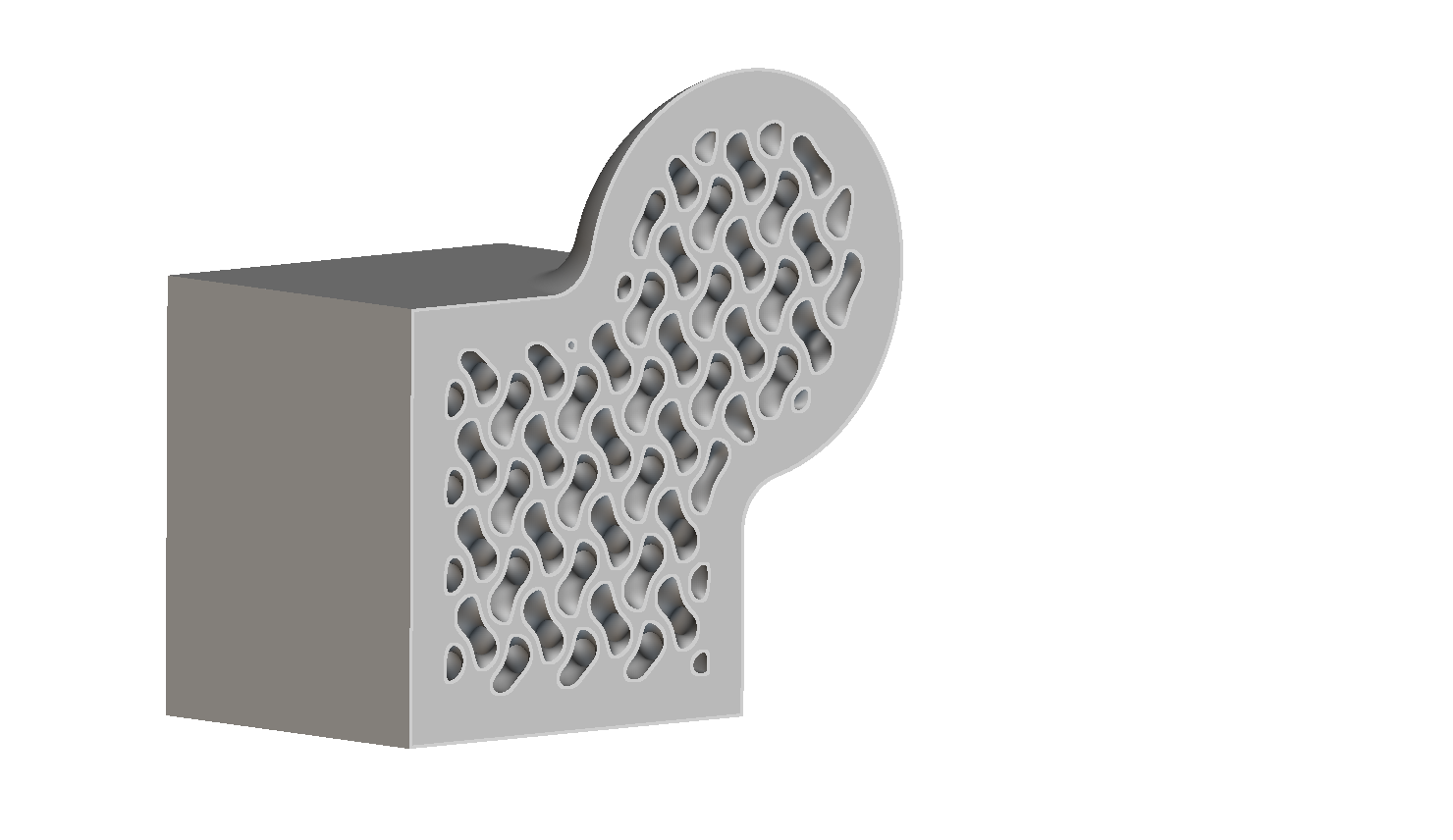
In this Q&A session, our Senior Onboarding Engineer Mandy Rosengren answers some of the most frequently asked questions on geometry conversion, basic operations, and troubleshooting in nTop. The questions covered are listed below:
Why can’t I see my CAD part after importing?Why won’t my CAD part be accepted in the Implicit Body from CAD Body block?Why and when would I use a Mesh vs. CAD Body vs. Implicit Body?
How do I define points at different corners of a box?How do I trim or smoothen out edges or corners of an implicit body? What about for lattices?I’m having trouble orienting objects in nTop.Is there a way to split an implicit body when it contains many disconnected solids?
Why won’t my variable be accepted in an input?What do I do if I get an error when importing a custom block?My part looks strange, what can I do to find out the problem?
Sometimes when importing a CAD body, I see a warning that there is a fault (or several). How can I get more info about exactly where the fault(s) is/are occurring?Is there a way to look “under the hood” of a block to see how it was built?How do I calculate the surface area of a part?
Assistant
Responses are generated using AI and may contain mistakes.