Adding or Removing an Item in a List
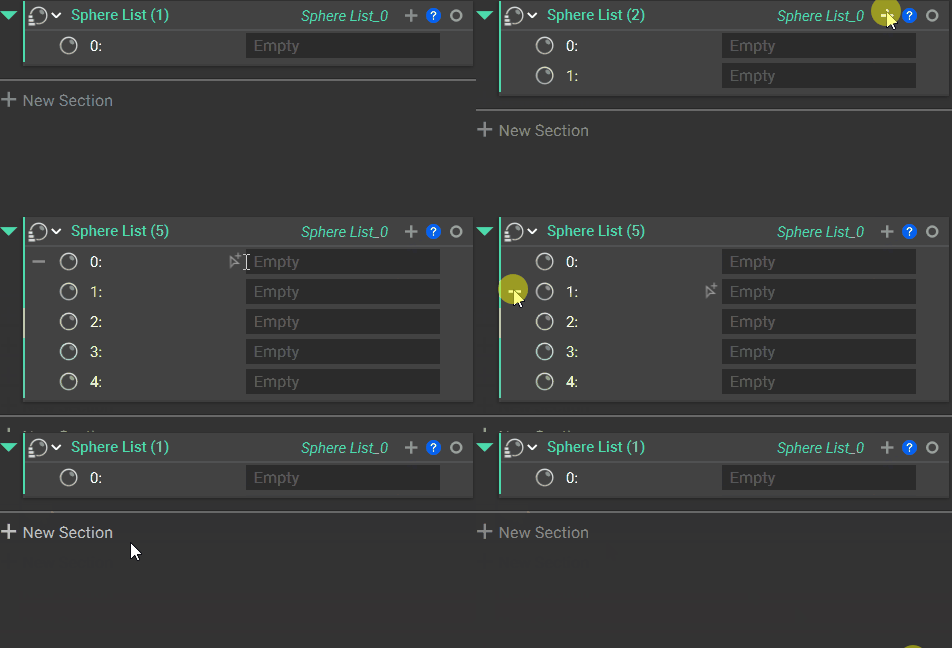
There are two methods to add blocks to a list:- Drag a new block into a List block. Remember that all entities in a list must have the same block type (i.e. they must have the same icon in the top left corner of the block).
- Select the ’+’ to add more inputs. If you add too many, use the ’-’ on the left of the input to remove them.
Auto-Populated Lists
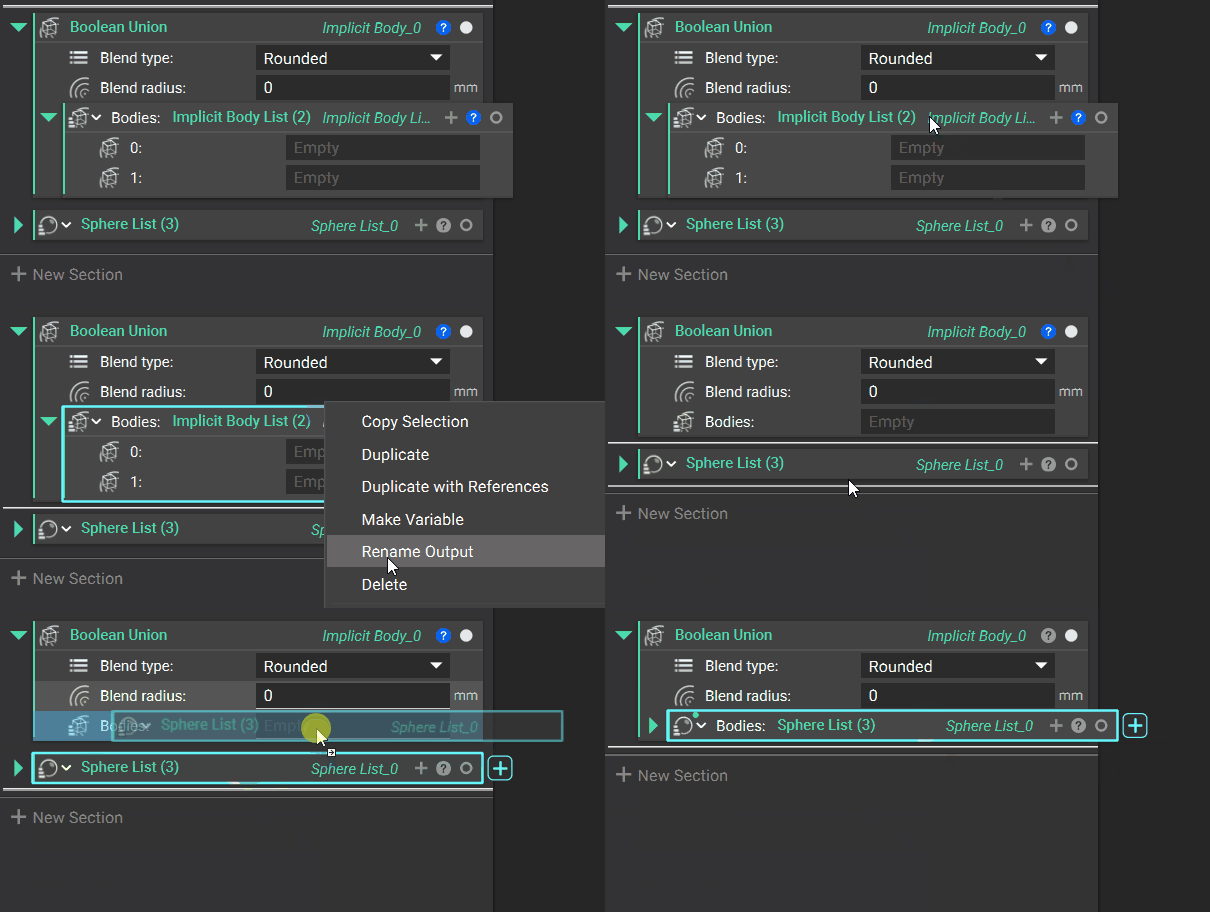
Some blocks use list inputs and combine them into a singular entity. An example of this is the Boolean Union block, which takes in a list of bodies and generates a single unioned body. Blocks like this are auto-populated with an empty list, which is useful for quickly dragging bodies inside to complete the operation.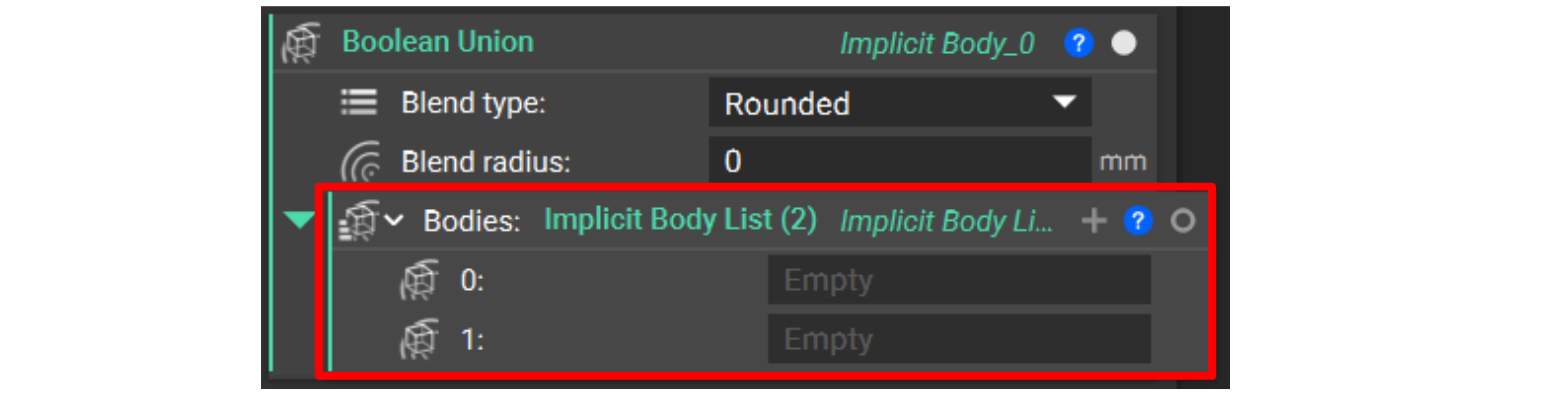
Changing Variable Type to a List
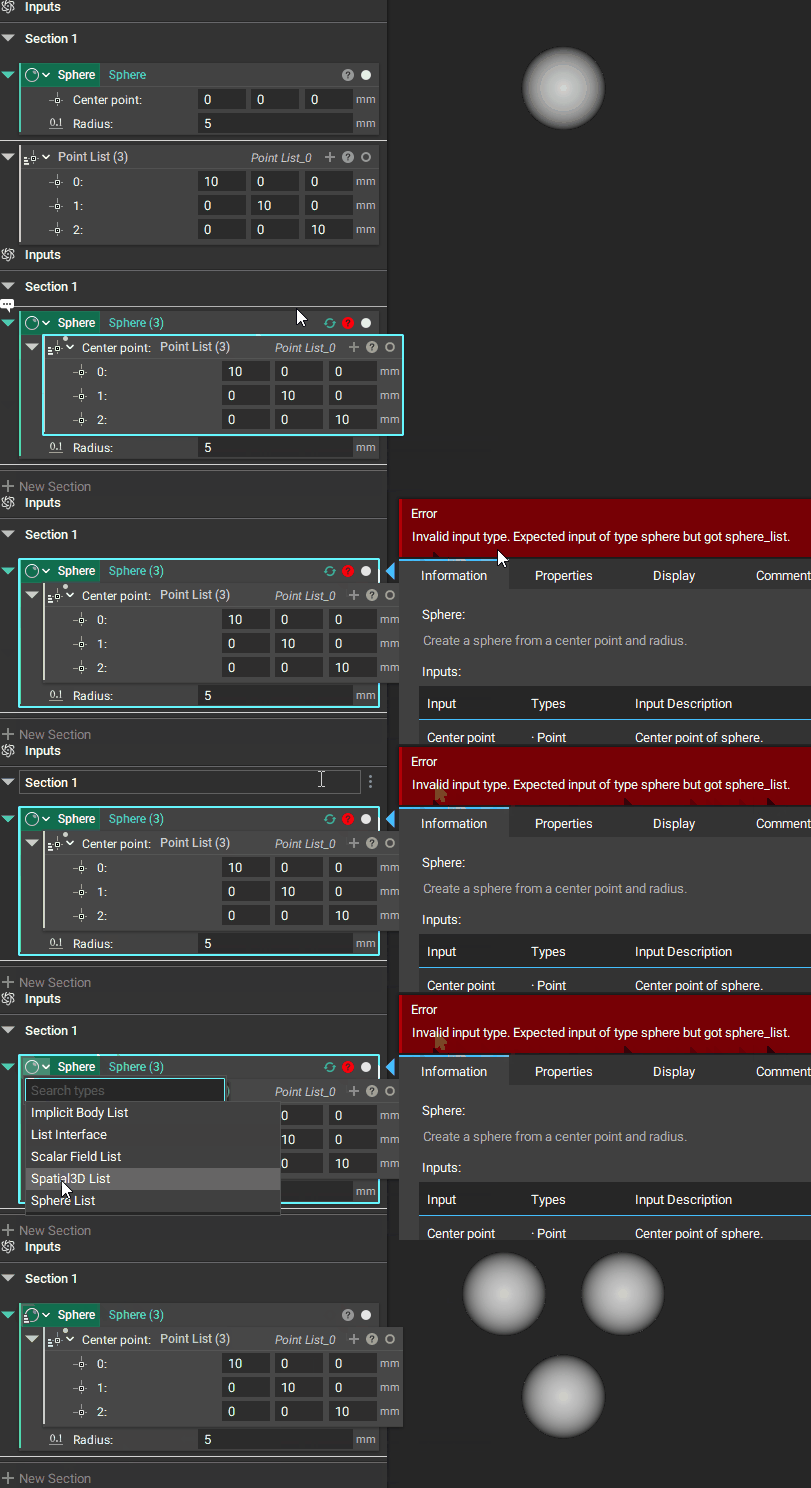
You can also create a list from a variable by clicking on the icon and choosing a list from the options. In the example below, we change the variable type from Sphere to Implicit Body List.