Orient Object
You can use the Orient Object block to place and rotate your block at any location in your build volume. The block requires the object (implicit body, mesh, CAD, etc.), the source location, and the destination. The CB Move Object block in the 230: Intro to Automation course uses this block to function.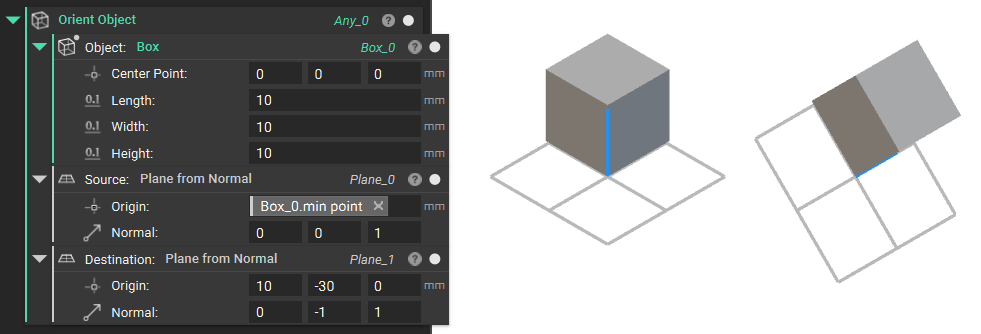
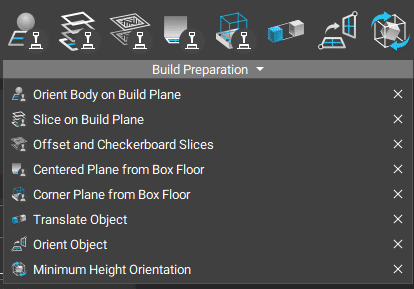
Orient Body on Build Plane
The Orient Body on Build Plane is a toolkit block that takes a body and places its lowest point on the given build plane. With this block, you also can rotate the body.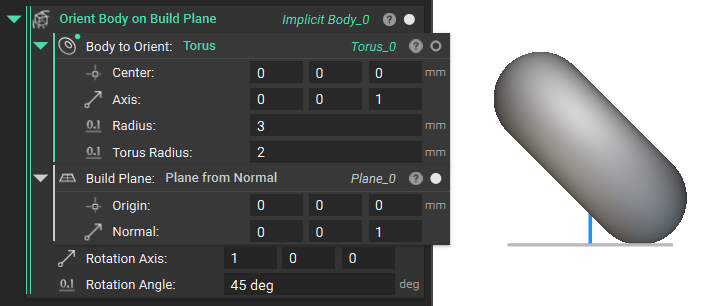
Minimum Height Orientation
The Minimum Height Orientation block creates an optimal orientation to minimize print duration. The output of the Minimum Height Orientation block is a transformation that minimizes the Z-Height of your object in preparation for manufacturing. You would then use the Transform Object block to generate the oriented body. Add the Body you want to Object input and the Minimum Height Orientation block into the Transform input.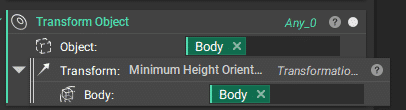
Note: The Minimum Height Orientation block only works with Implicit Bodies. If you want to orient a CAD Body, Mesh, etc., convert it to an Implicit Body first.
Minimum Support Orientation
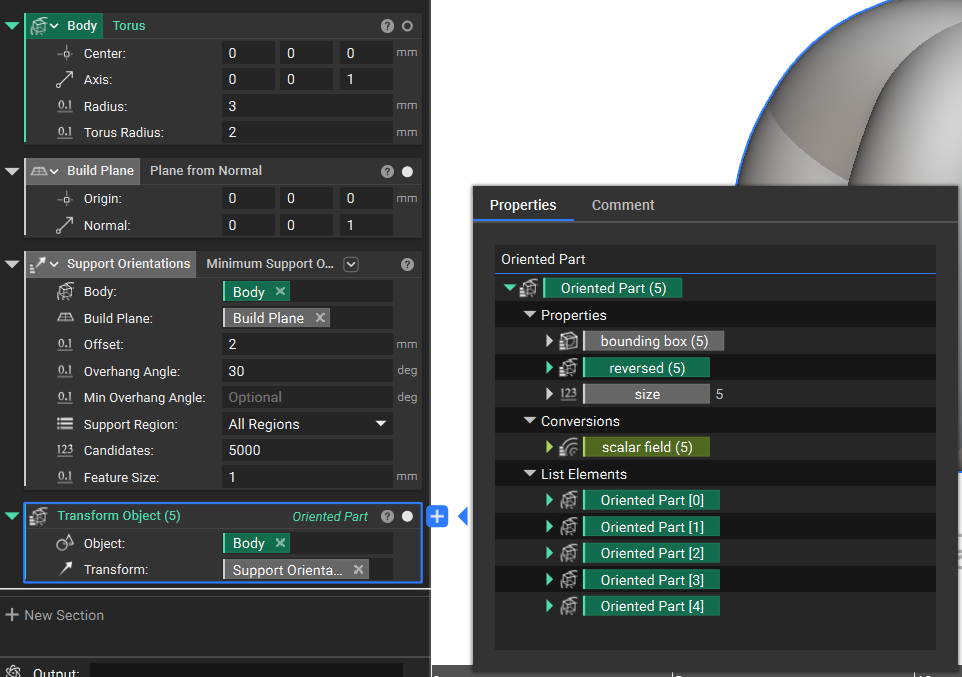
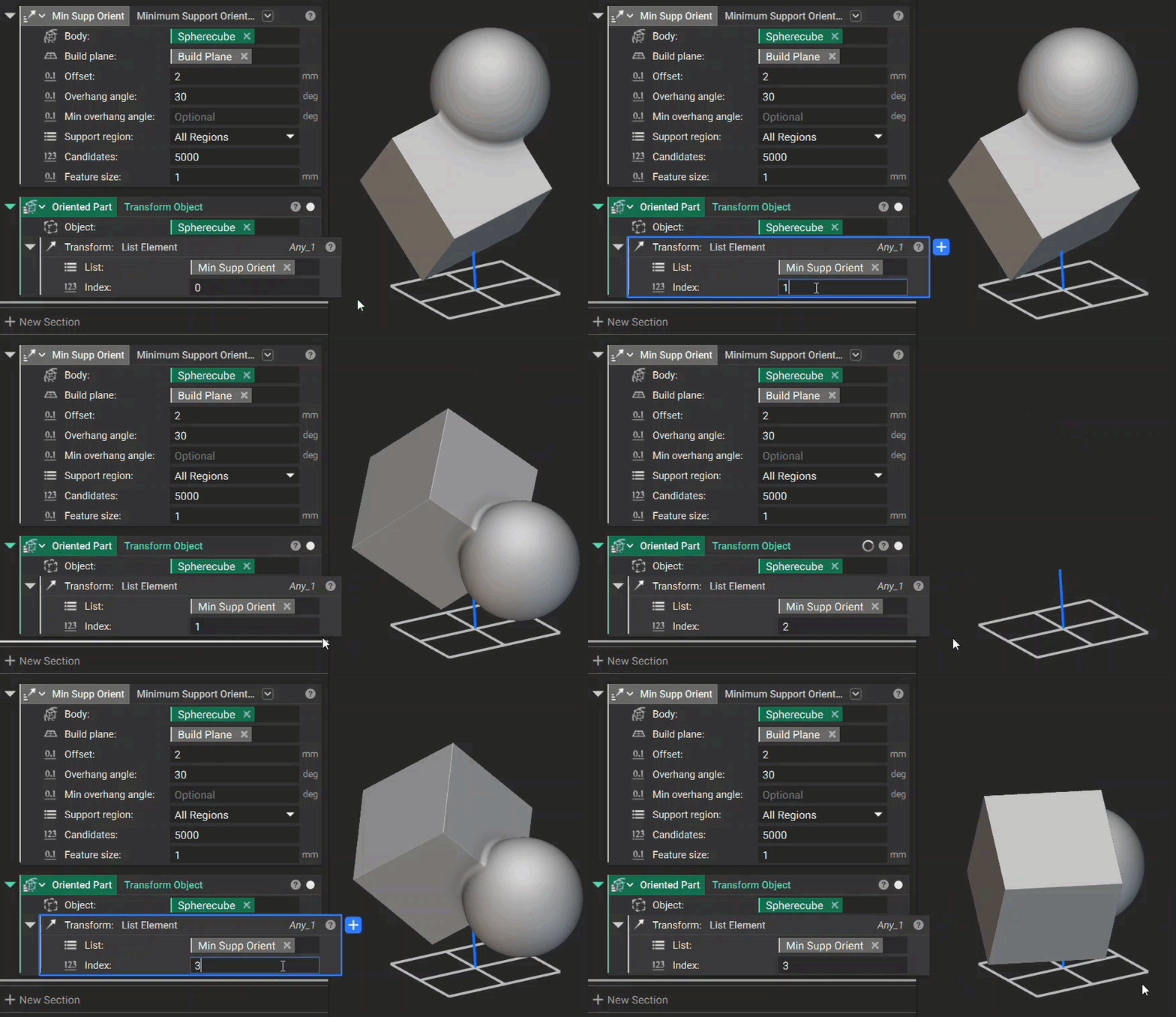
You can use the Minimum Support Orientations block to orient a part to have the minimum amount of support. This block has two overloads: Implicit body and Mesh. You can click on the chevron symbol next to the block’s name to choose a different overload. Given the Body and Build Plane inputs, the block will provide several orientations that minimize the volume of support regions needed for the body. You can also select the Support Region to be All Regions, Internal Only, or External Only. Similar to the Minimum Height Orientation block, this block produces a Transformation as an output, so use the Transform Object block to generate the oriented object.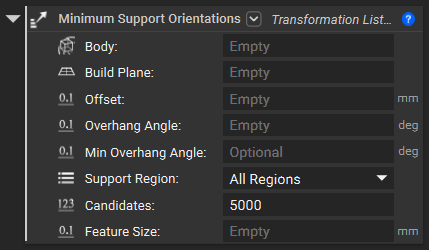
Note: The Implicit Block overload is more robust and will likely provide more optimal results, while the mesh block version will converge on results much faster, but these may be less optimal.