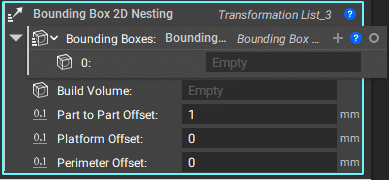
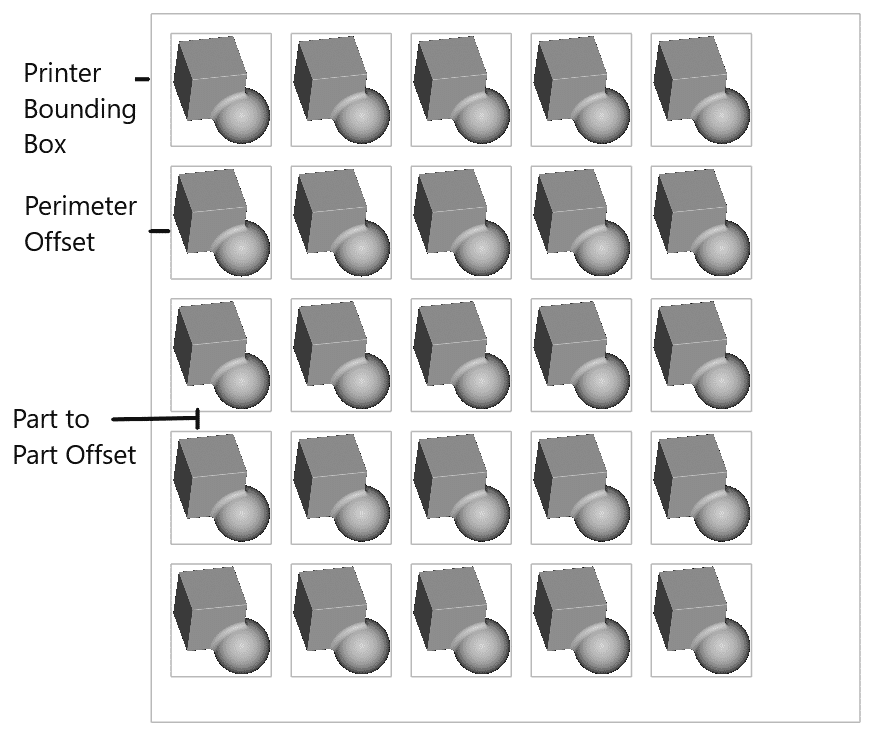
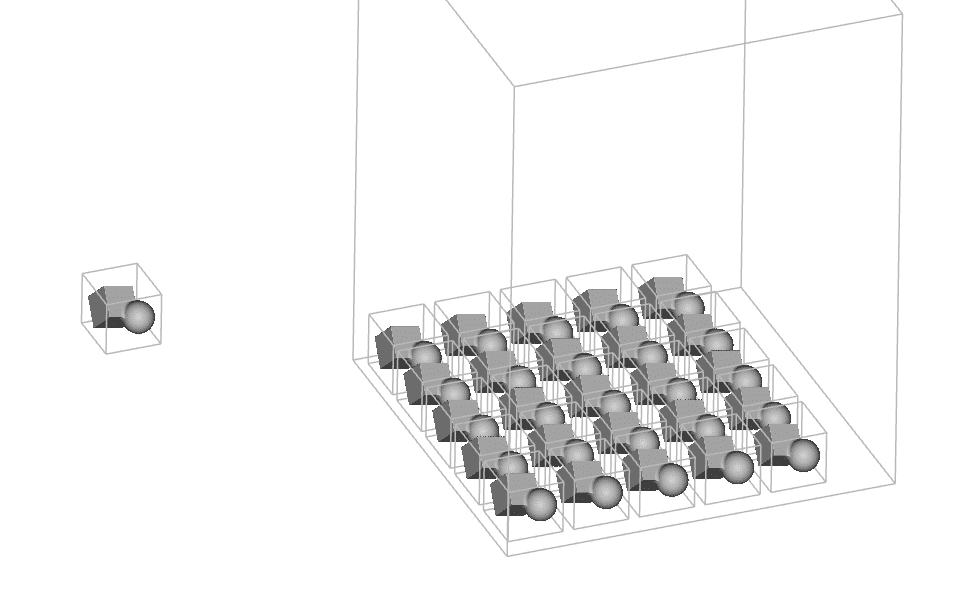
If you have several parts to lay out on the printer, you can use the Bounding Box 2D Nesting block. This block performs a 2D bin packing of bounding boxes. You can control the distance between each part’s bounding box, the offset from the platform, and the distance from the perimeter of the build plate. The output of this block is a transformation list, so after running the block, use the Transform Object block to move the bodies into the proper locations.
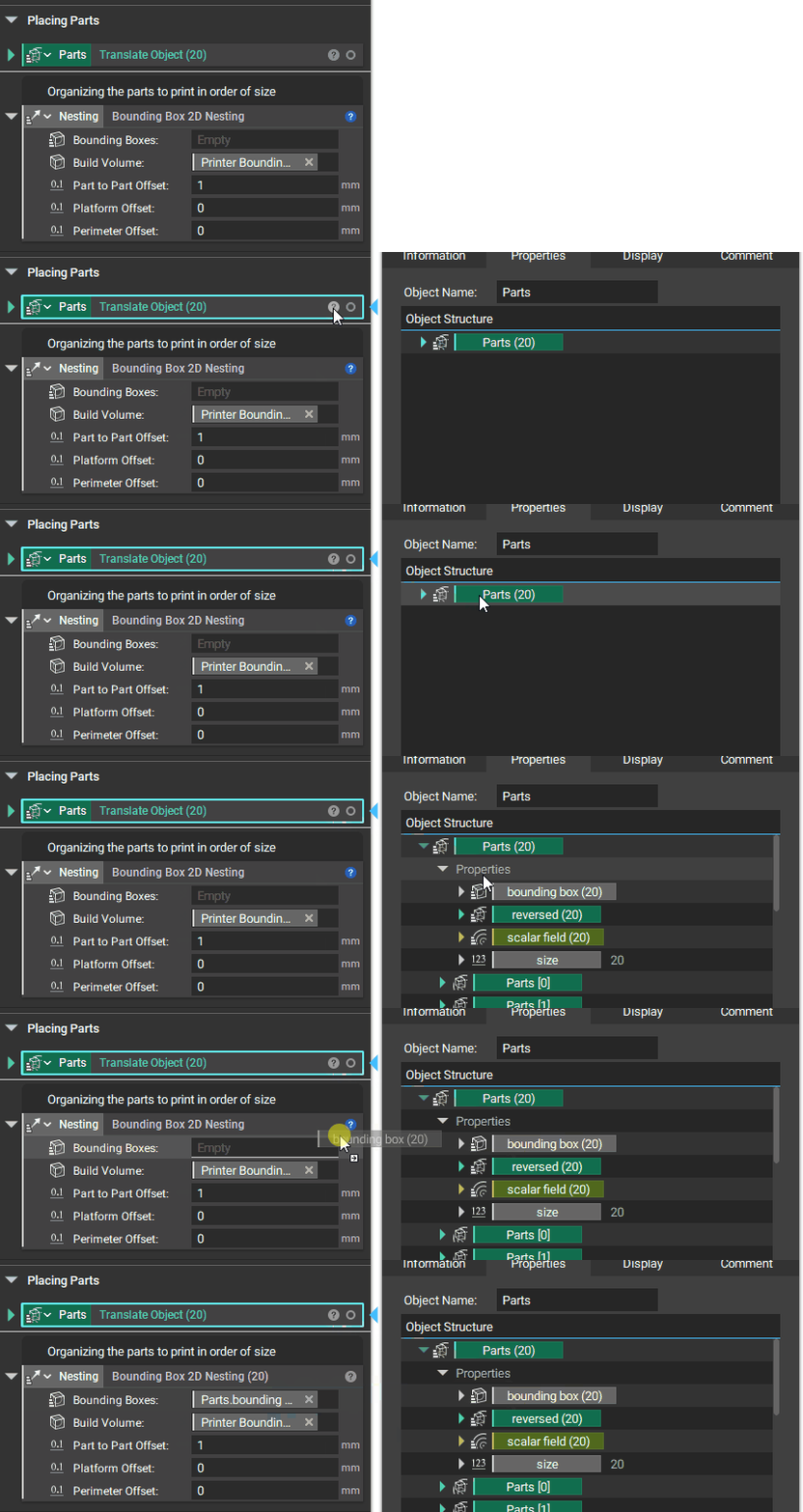
The Bounding Boxes input automatically includes an empty list. If you already have a list of bodies or bounding boxes, you can delete this and add in the bounding boxes from that list, as shown below.
The additional Inputs for the Bounding Box 2D Nesting are Build Volume, Part to Part Offset, Platform Offset, and Perimeter Offset.
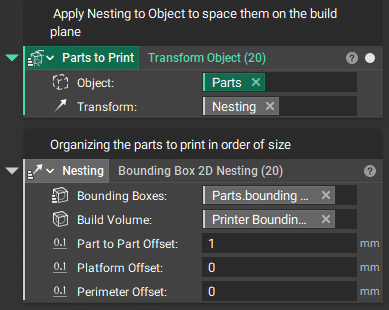
To use this block, place the Bounding Box 2D Nesting block into a Transform block, and they will all be placed as shown below. Boxes that fit will be placed in order of size, and the remaining boxes will be placed outside and next to the build volume. At the moment, they have to be manually “trimmed” off using Boolean operations.
Assistant
Responses are generated using AI and may contain mistakes.