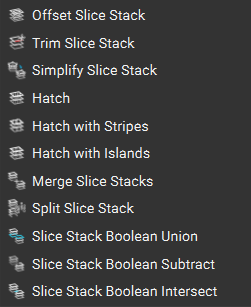
Along with our Slice Body blocks, other slicing capabilities are shown in the Slicing tab below. Similar to our Implicit body, you have the capabilities to Boolean Union/Subtract/Intersect our slices, as well as merge them.
To learn more about these individual blocks, you can look at the software’s documentation. This article, “How to generate and export slice data for SLS/SLM/DMLS,” has an example of using these blocks.
Custom Block: CLI Slice Body by Tiers
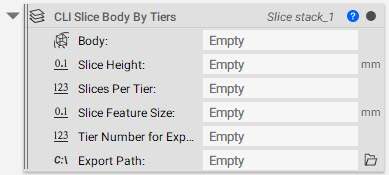
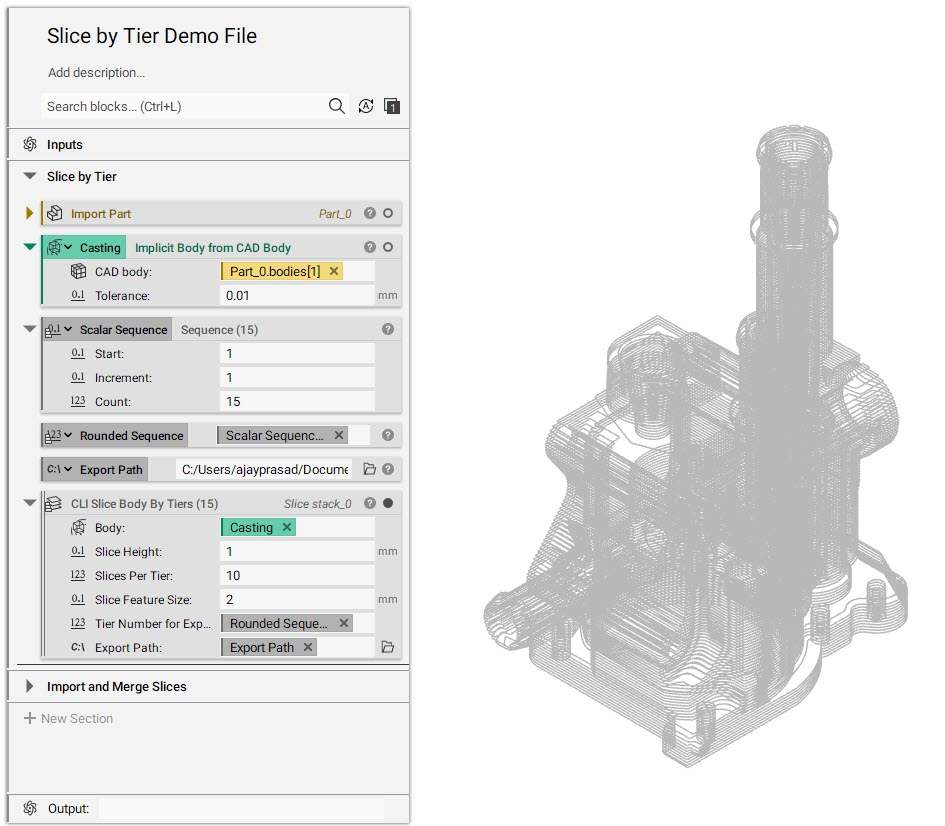
If you plan to slice the body using tiers, you can use the CLI Slice Body by Tiers custom block, available for download below, with similar inputs to the Slice Body block.
- Body: Implicit Body to slice
- Slice Height: Spacing between slice layers
- Slices Per Tier: Total height/Number of Tiers
- Slice feature size: Minimum feature size to accurately capture details
- Tier Number for Export: List of numbers for iterating all the tiers one after another
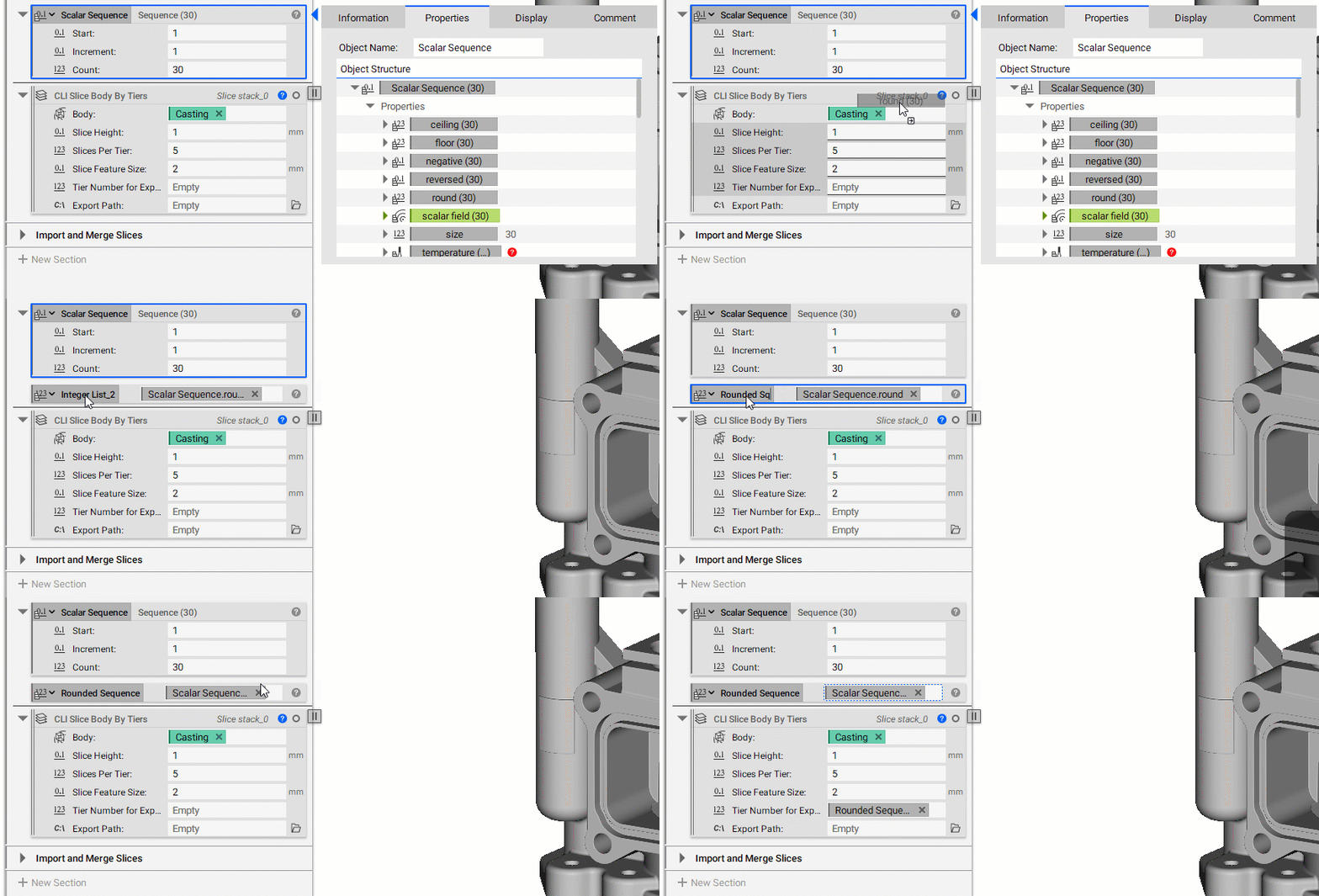
You can use the Sequence block to create a list with an increment of 1, as shown below (for more information on the Sequence block, you can check out our List Processing and Sequencing lesson in our 230: Intro to Automation course.
Note: The ‘Include negative Z’ is checked by default, and the default ‘Frame’ selected for this block is X-axis 1,0,0 and Y-axis 0,1,0, with the bounding box centroid as the origin.