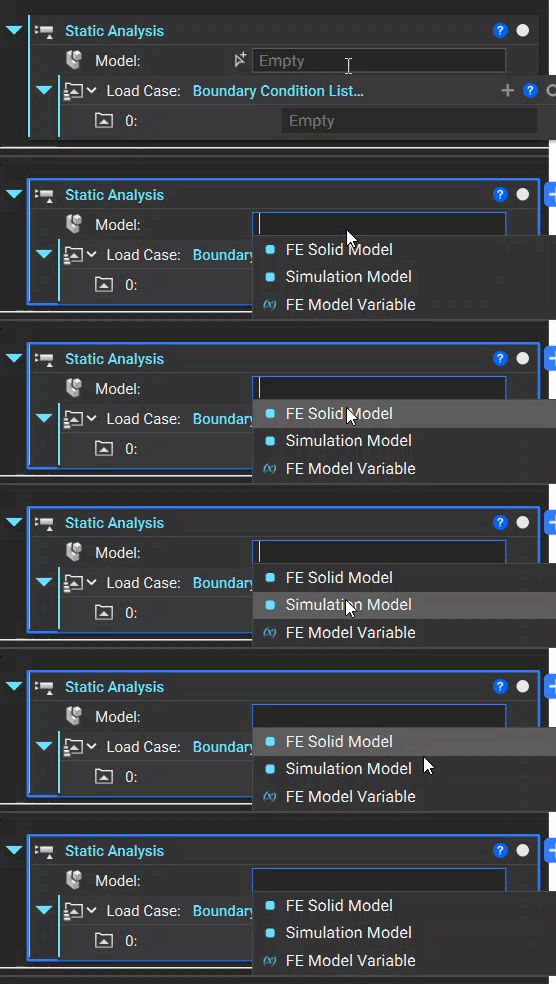
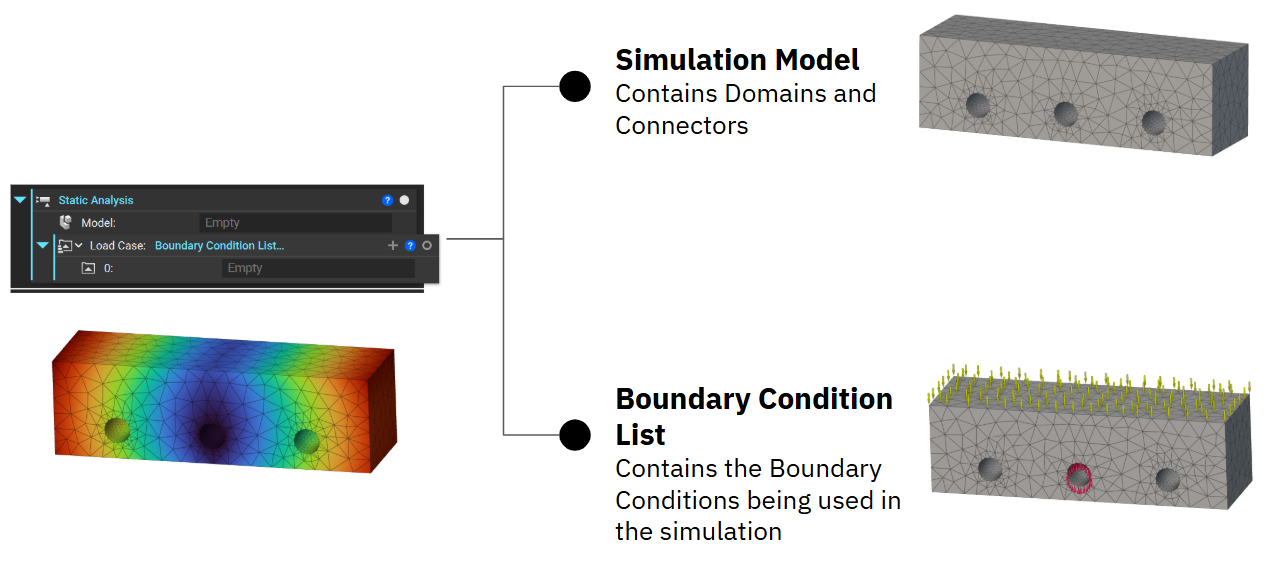
A good strategy for running an analysis in nTop is to work backward. First, add the analysis block to your Notebook and double-click on the inputs to see the available blocks.
All of our analyses require a Simulation Model, and a Load case. For instance, the Static Analysis block requires an Simulation Model and Boundary Conditions to run, so to set up the Static Analysis, select the Simulation Model block for the first input. Then, we will continue to work backward to set up the Domain(s) and Boundary Conditions.
Assistant
Responses are generated using AI and may contain mistakes.